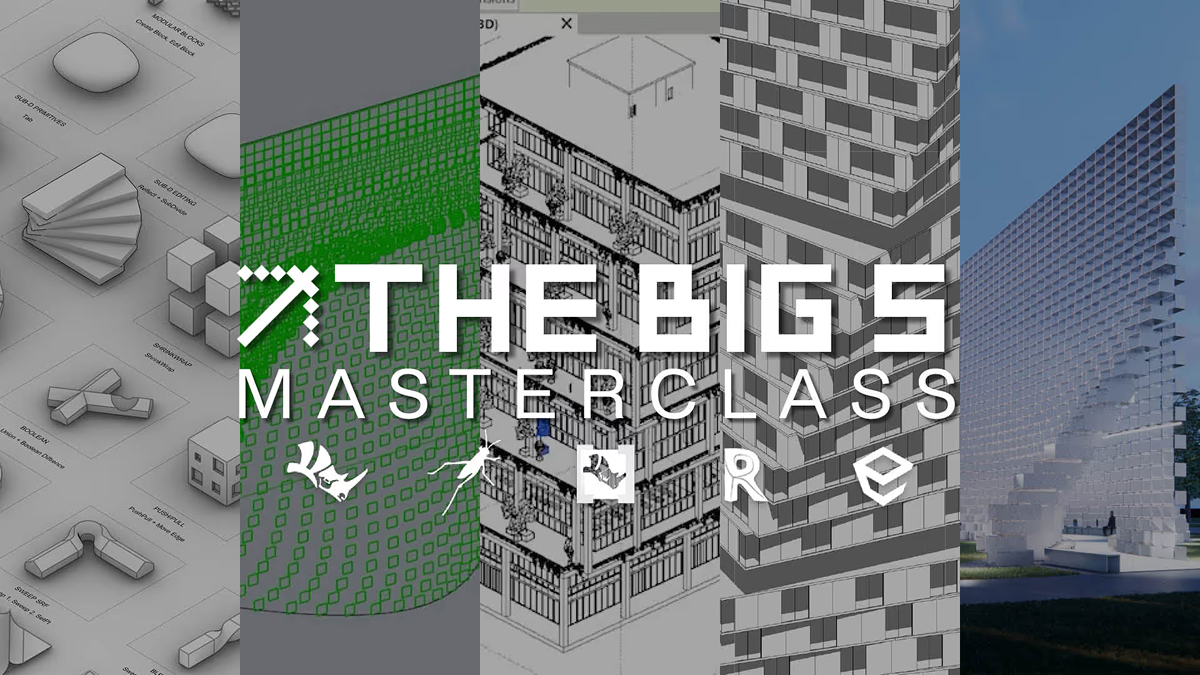
masterclass bundle

00:00
/
00:00

Learn more
Develop a practice-ready skillset across computation, BIM, and visualisation using tools widely adopted across architectural practice's globally.

Software Taught
Revit

Software Taught
Rhino

Software Taught
Grasshopper

Software Taught
Enscape

Software Taught
Rhino.Inside

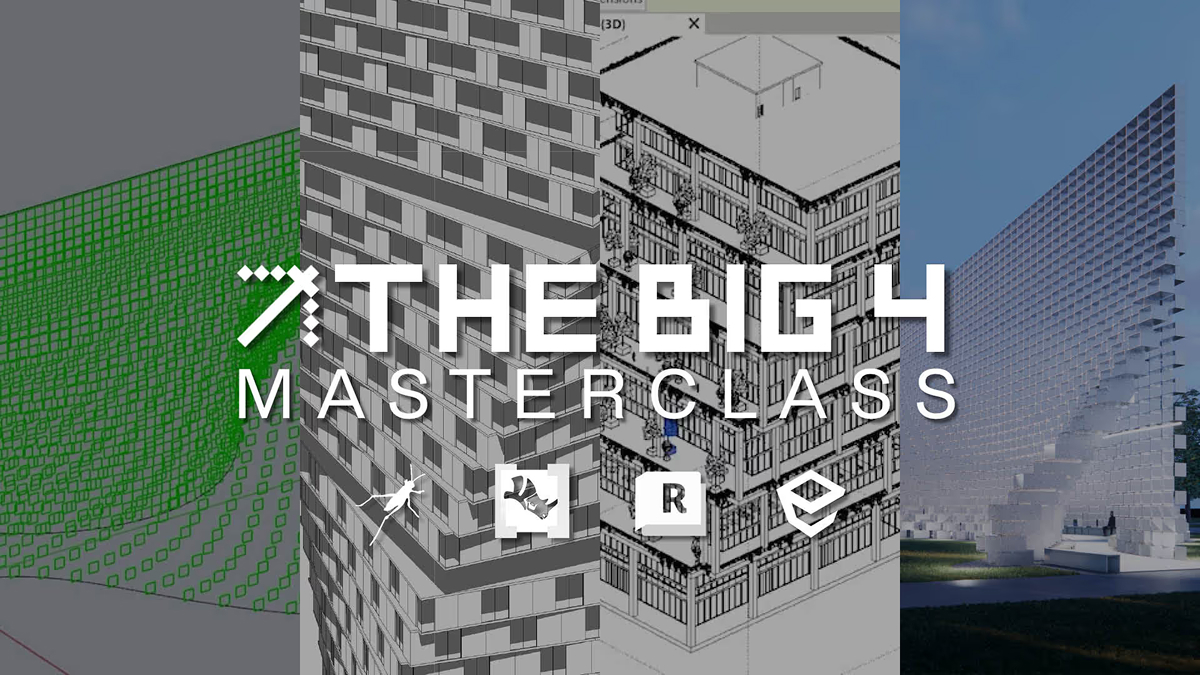

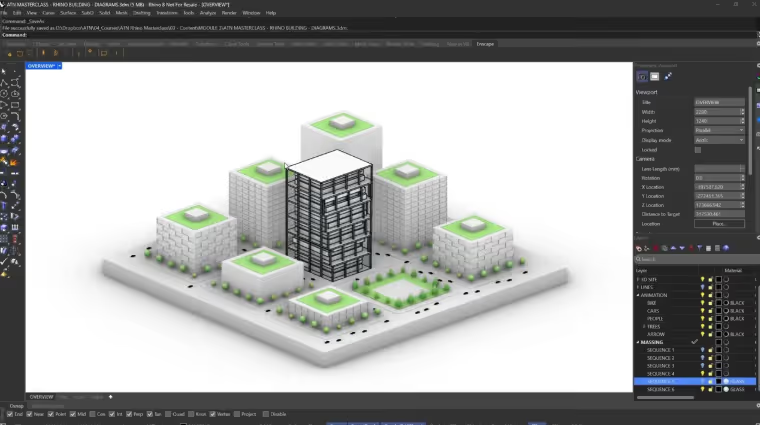
The ATN BIG 4 Masterclass Bundle combines four essential tools used across architectural practice - Revit, Grasshopper, Rhino.Inside, and Enscape - into a connected technical workflow. Developed in partnership with Bjarke Ingels Group and led by Oliver Thomas, former Design Technology Manager at BIG, the bundle reflects how these tools are applied within leading global studios.
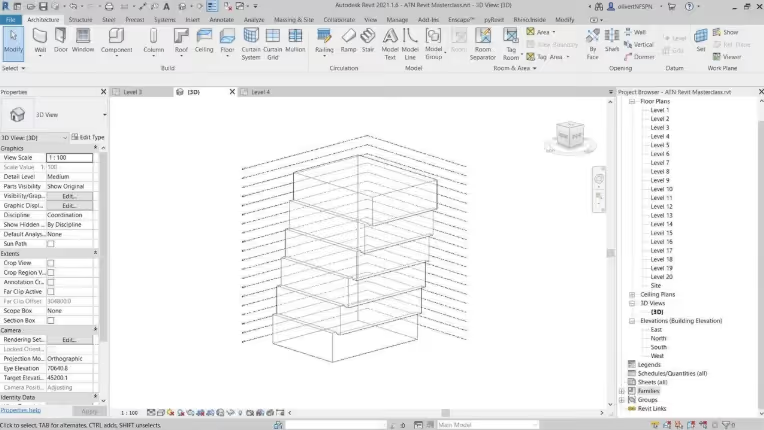
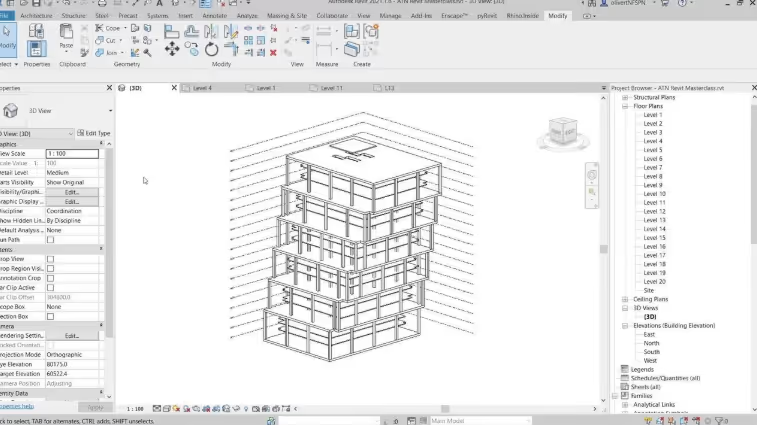
The Revit Masterclass teaches how projects are built, coordinated, and documented through BIM workflows. The Grasshopper Masterclass introduces computational design and automation, enabling parametric workflows at scale. Rhino.Inside connects this computational logic directly into Revit, allowing geometry, documentation, and facade systems to be automated. The Enscape Masterclass completes the workflow through real-time visualisation, helping you produce high-quality renders and immersive outputs directly from your model. Together, these masterclasses create a workflow that connects computation, BIM delivery, and visual communication, enabling greater efficiency across design development and project delivery.
Delivered through pre-recorded masterclasses, the bundle is designed for professionals looking to build a more advanced, practice-ready workflow.
You will learn how to:
• Build and coordinate BIM models through structured Revit workflows
• Develop computational systems that automate design and documentation tasks
• Create high-quality visual outputs directly from live project models

£179.96
£119.99

Grasshopper Masterclass
Revit Masterclass
Rhino.Inside Masterclass
Enscape Masterclass
[Saving
£59.97
with this Bundle]

A structured, self-paced masterclass bundle built for online learning—available anytime with lifetime access inside ATN’s Netflix-style learning platform. Better value than buying each masterclass separately.


Full access to files, models and scripts can be downloaded from the courses.


Pre-recorded masterclasses across all four courses, including project files and complete workflows to support hands-on learning.




CEO & Founder of Archi-Tech Network
Oliver Thomas, Founder and CEO of Archi-Tech Network. Oliver developed this course whilst working as the Design Technology Manager at Bjarke Ingels Group. Oliver has over 10 years real world experience working in practice with BIM whilst working at firms such as Aedas, Front inc and BIG. Oliver pioneered bringing Rhino Inside in the office at BIG and utilised it on real world projects.
Oliver is now Co-Founder of Facit Technologies, a start up rethinking the future of home construction, heavily using BIM to manufacturing processes.
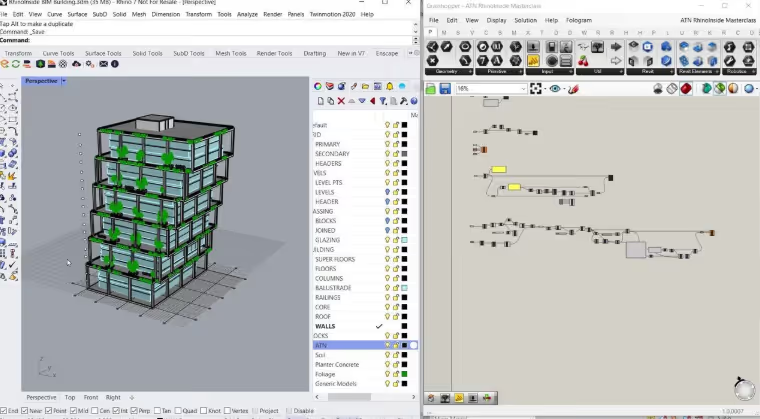
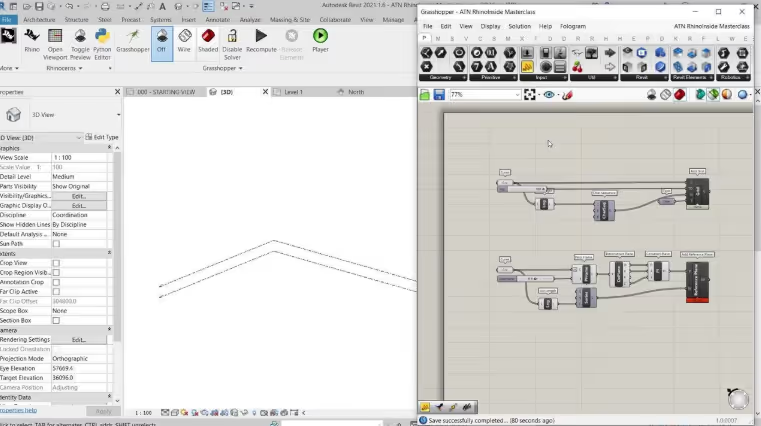
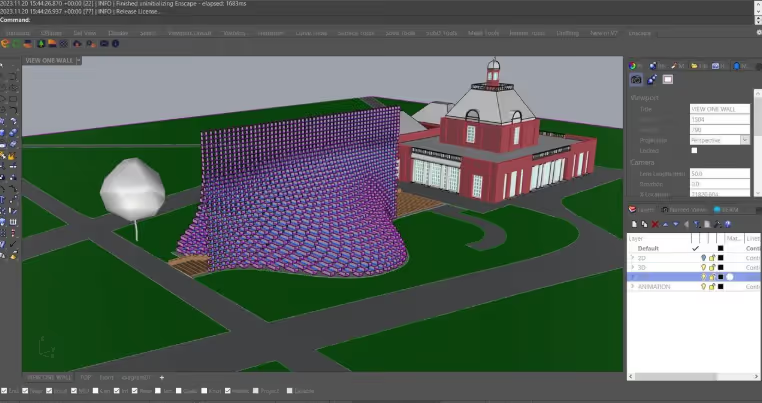
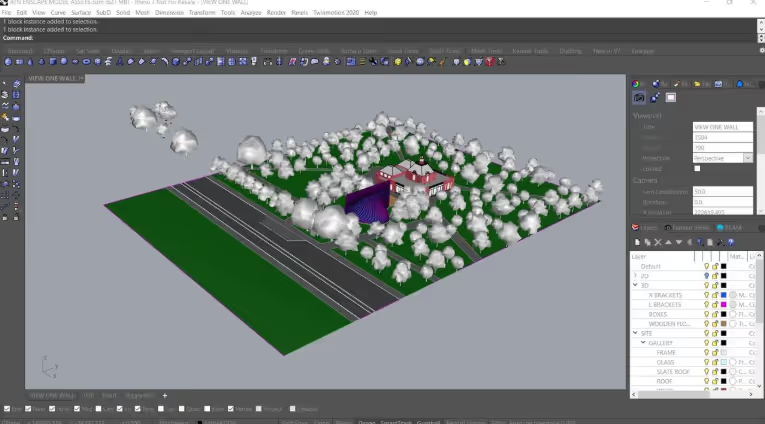
full course page
.svg)
.svg)
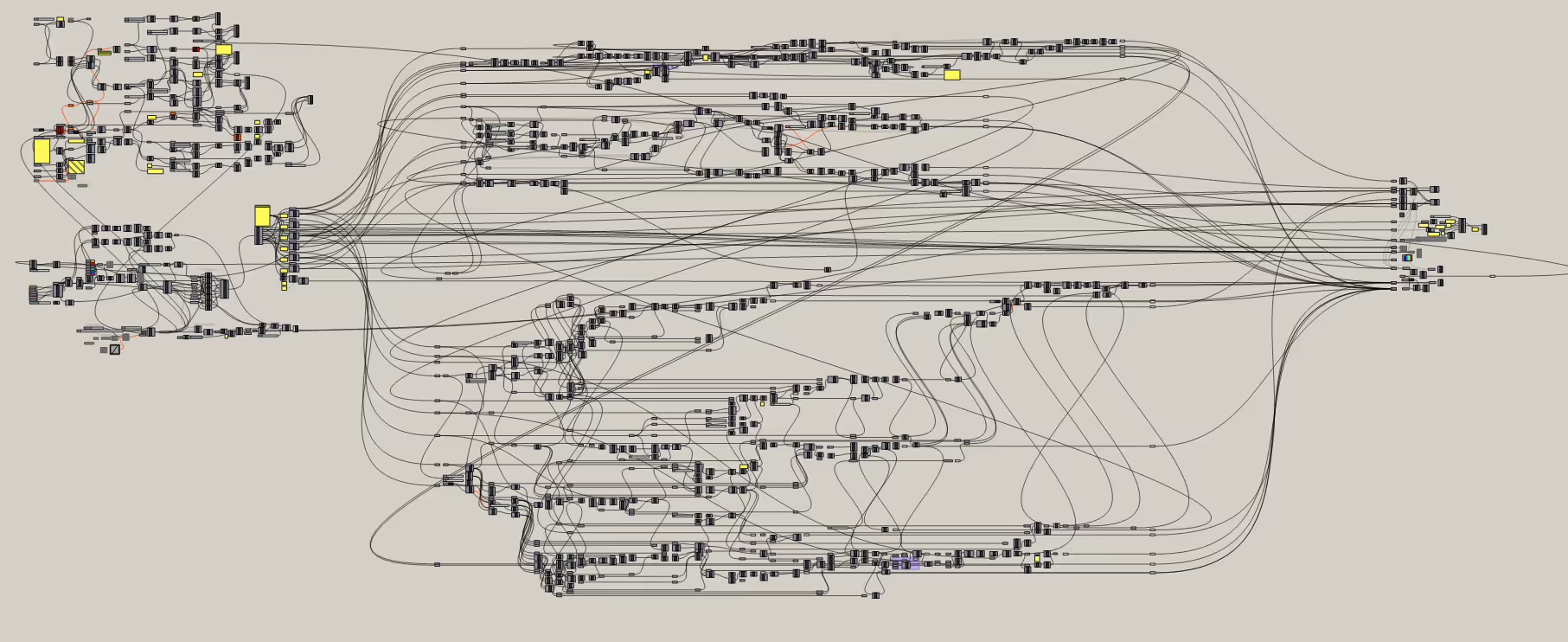
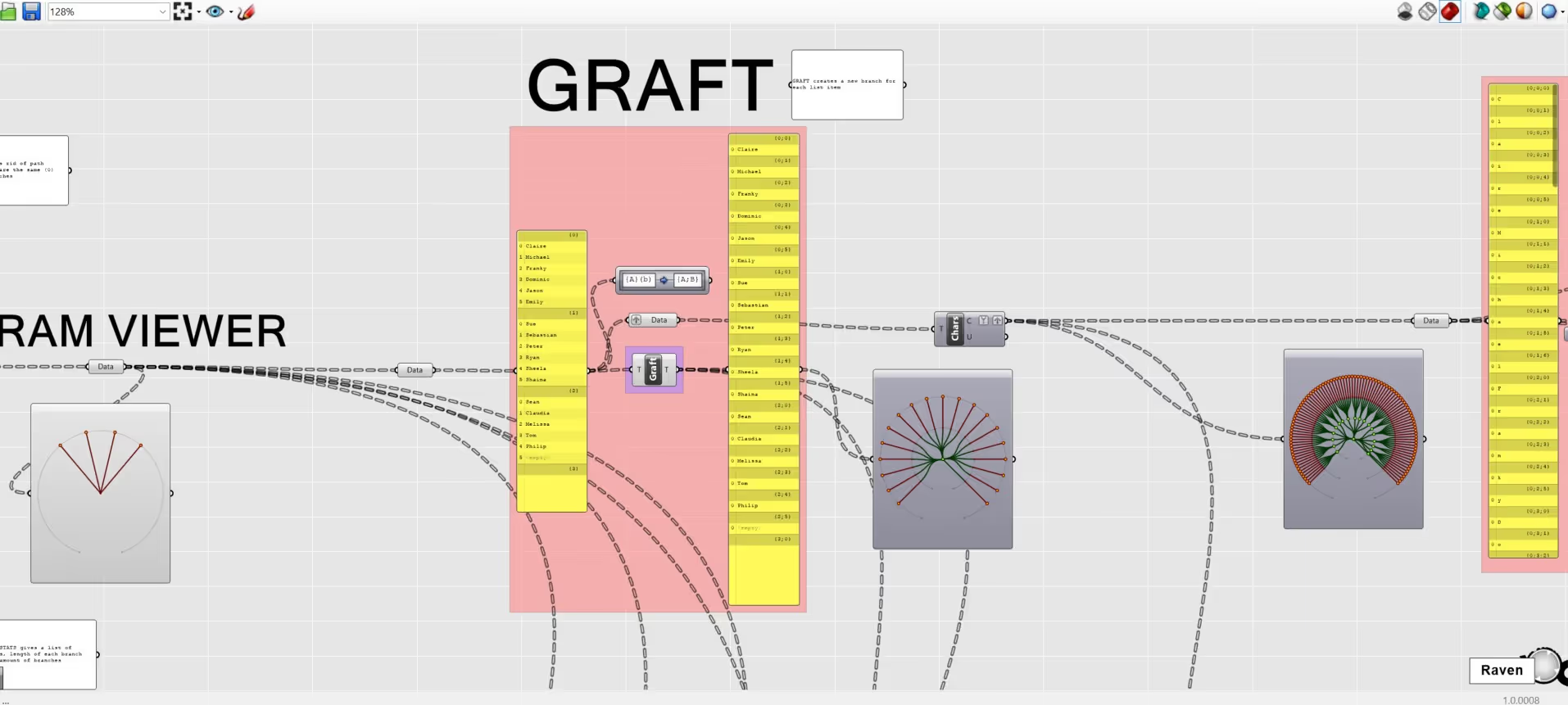
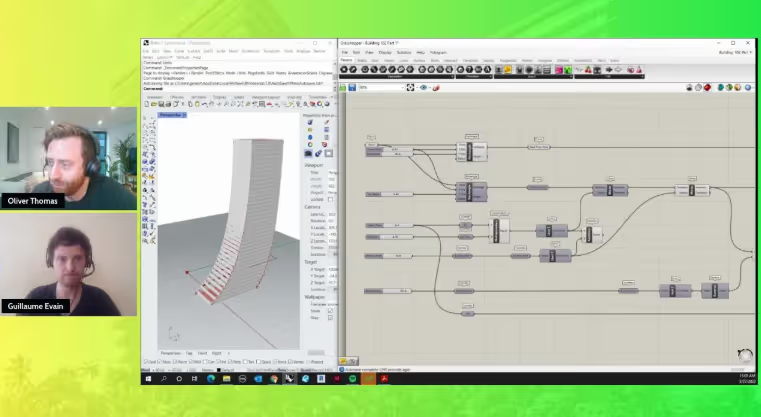
The ATN Grasshopper Masterclass explores computational design as it is applied within contemporary architectural practice. Led by Oliver Thomas and informed by his experience at Bjarke Ingels Group, the course moves from foundational concepts such as interface logic, lists, and data trees through to advanced applications including building systems and facade scripting.
Structured across three focused modules, the masterclass demonstrates how Grasshopper supports data-driven design, iteration, and problem-solving within real studio environments, bridging computational thinking with architectural delivery.
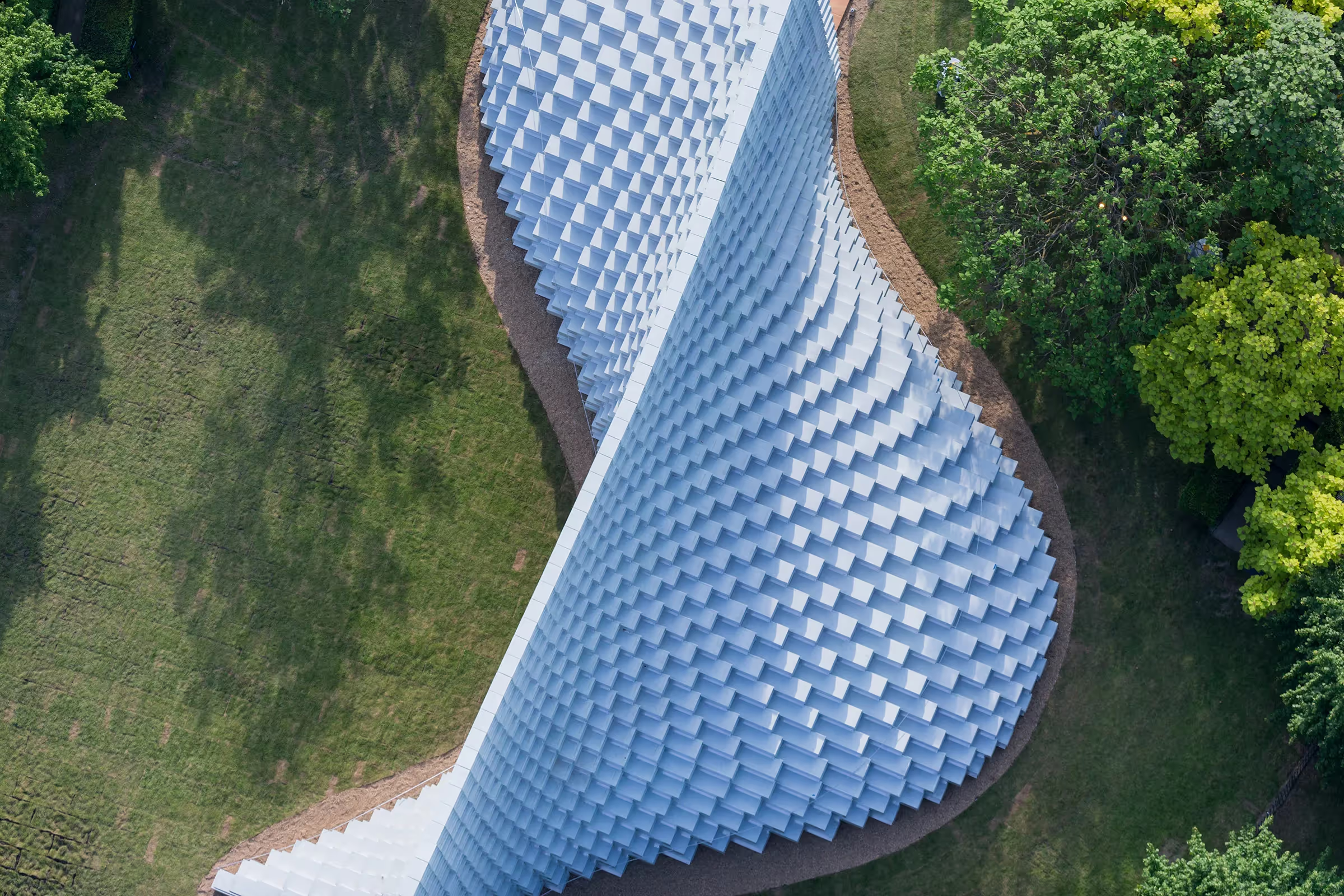
In the final module, you will apply your learning through a real-world case study based on the Serpentine Pavilion 2016 by Bjarke Ingels Group, developing a coherent parametric design outcome.
You will learn how to:
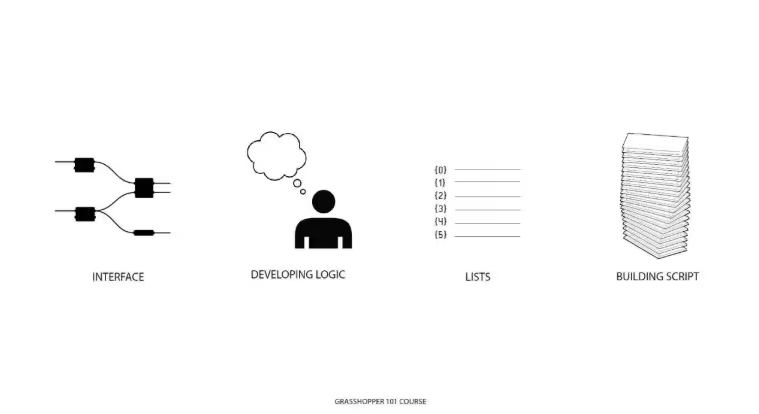
• Build a foundation in computational thinking through interface logic, lists, and data trees
• Create parametric systems for architectural workflows, including building elements and facade scripting
• Apply Grasshopper workflows to real-world design challenges through a live case study
%20(1).avif)
In the first module we will cover:
%20(1).avif)
In Module 2, you will learn about:
%20(1).avif)
In the final module, you will consolidate your learning through a real-world case study:
full course page
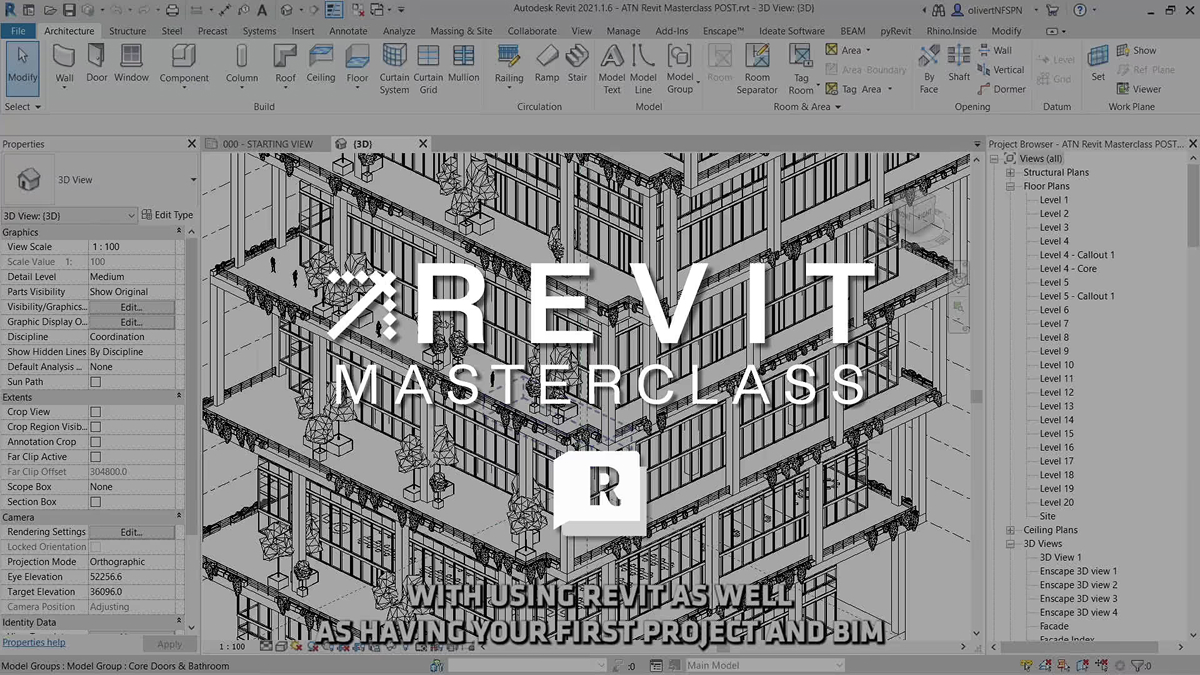
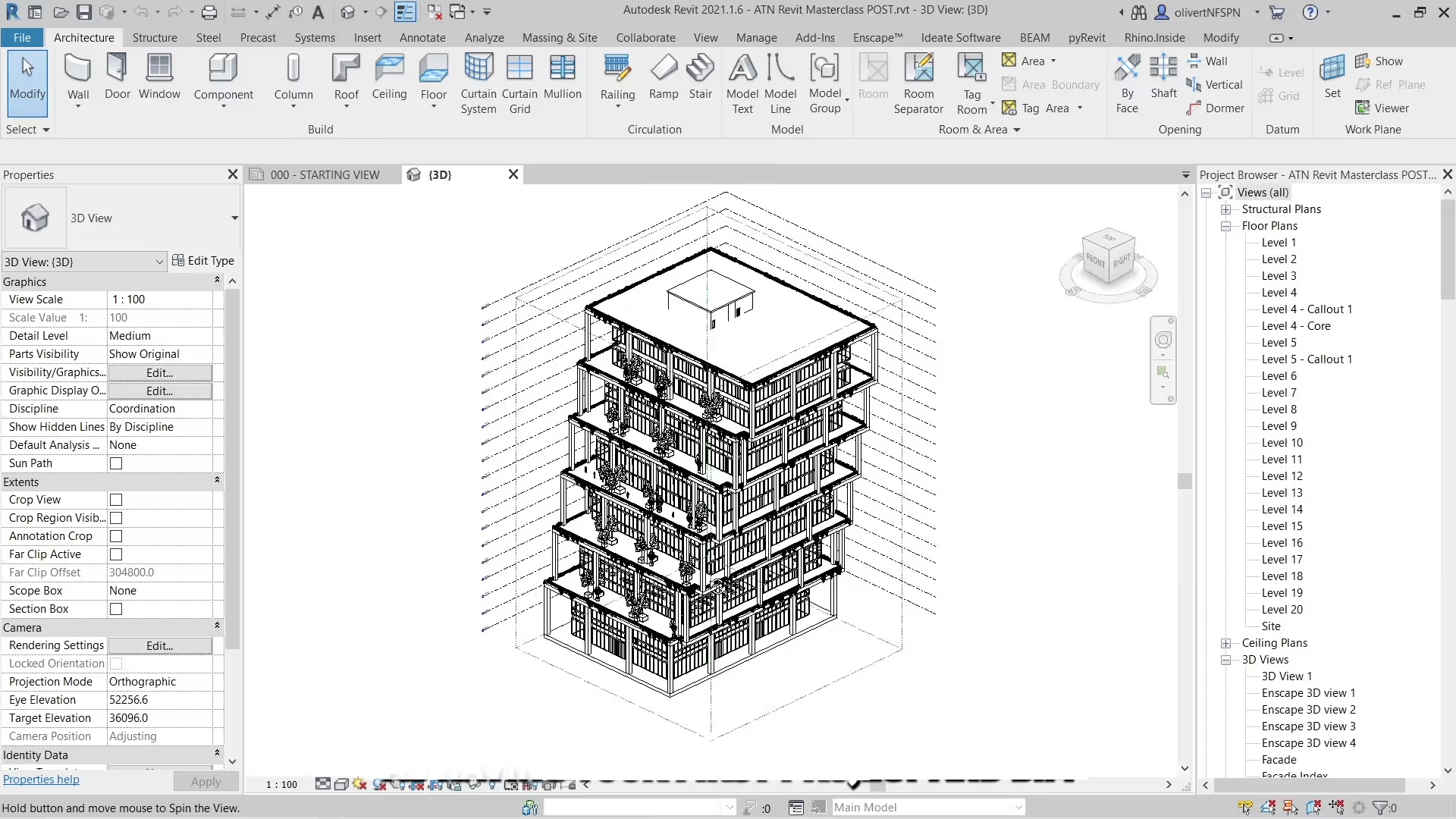
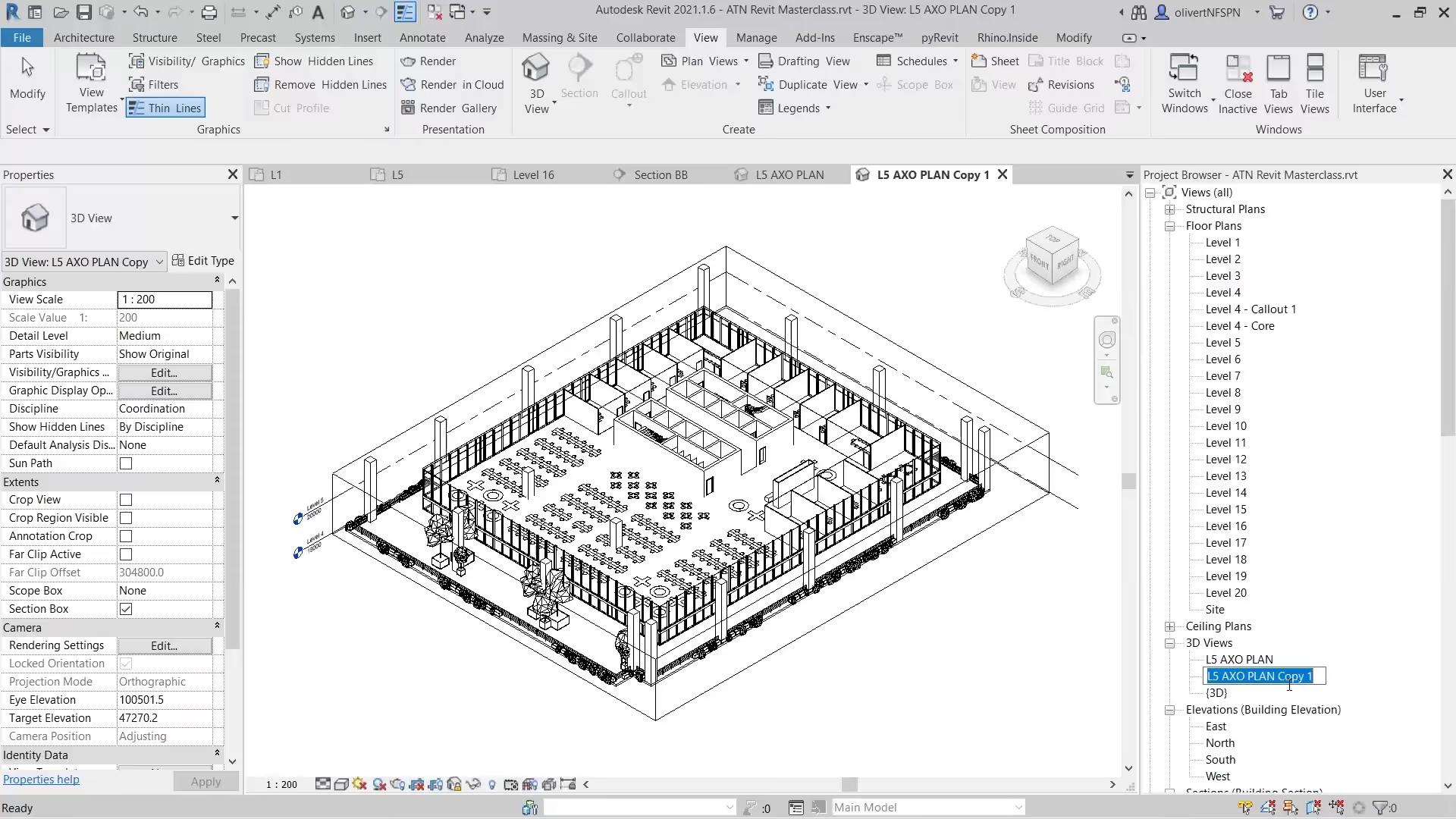
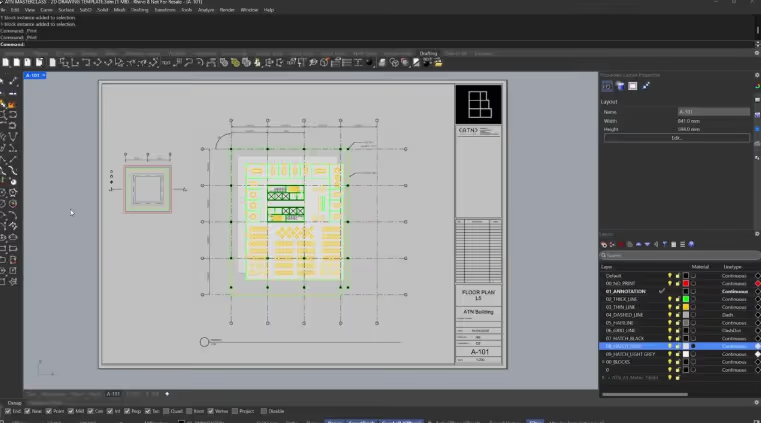
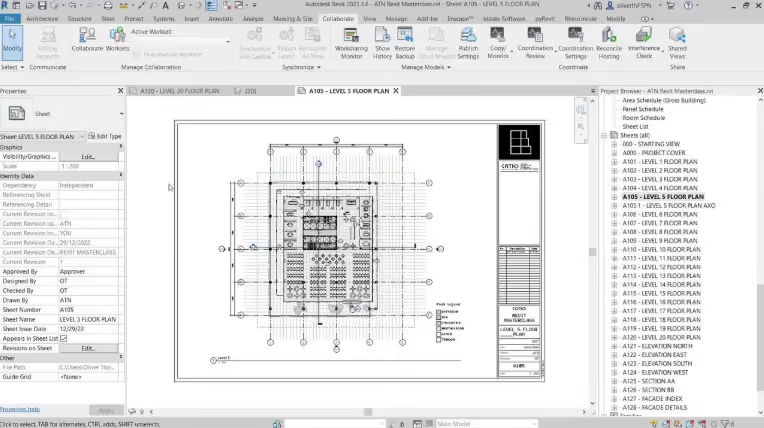
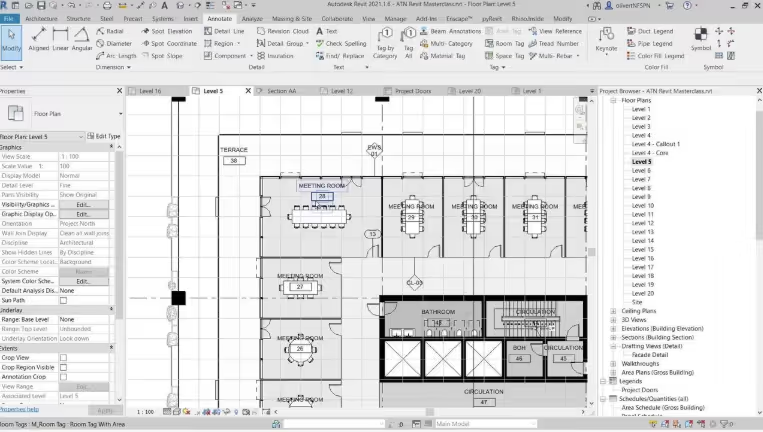
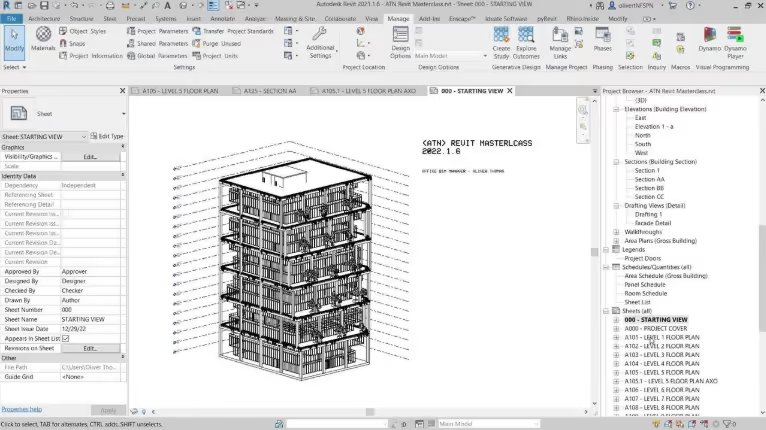
The ATN Revit Masterclass teaches how Revit is used to build, coordinate, and document complex architectural projects within professional practice. Led by ATN founder Oliver Thomas and informed by his experience at Bjarke Ingels Group, the course moves from early concept modelling through to a coordinated drawing set, covering model setup, view organisation, graphical control, annotation, and documentation.
Structured across six focused modules, the masterclass introduces core BIM principles, collaborative workflows, and the creation of custom families. As one of the most widely adopted tools in the industry, Revit plays a central role in coordinated project delivery.
You will develop the ability to build, manage, and document BIM models, producing coordinated drawings and deliverables aligned with professional workflows.
You will learn how to:
• Build and organise BIM models from concept through to documentation
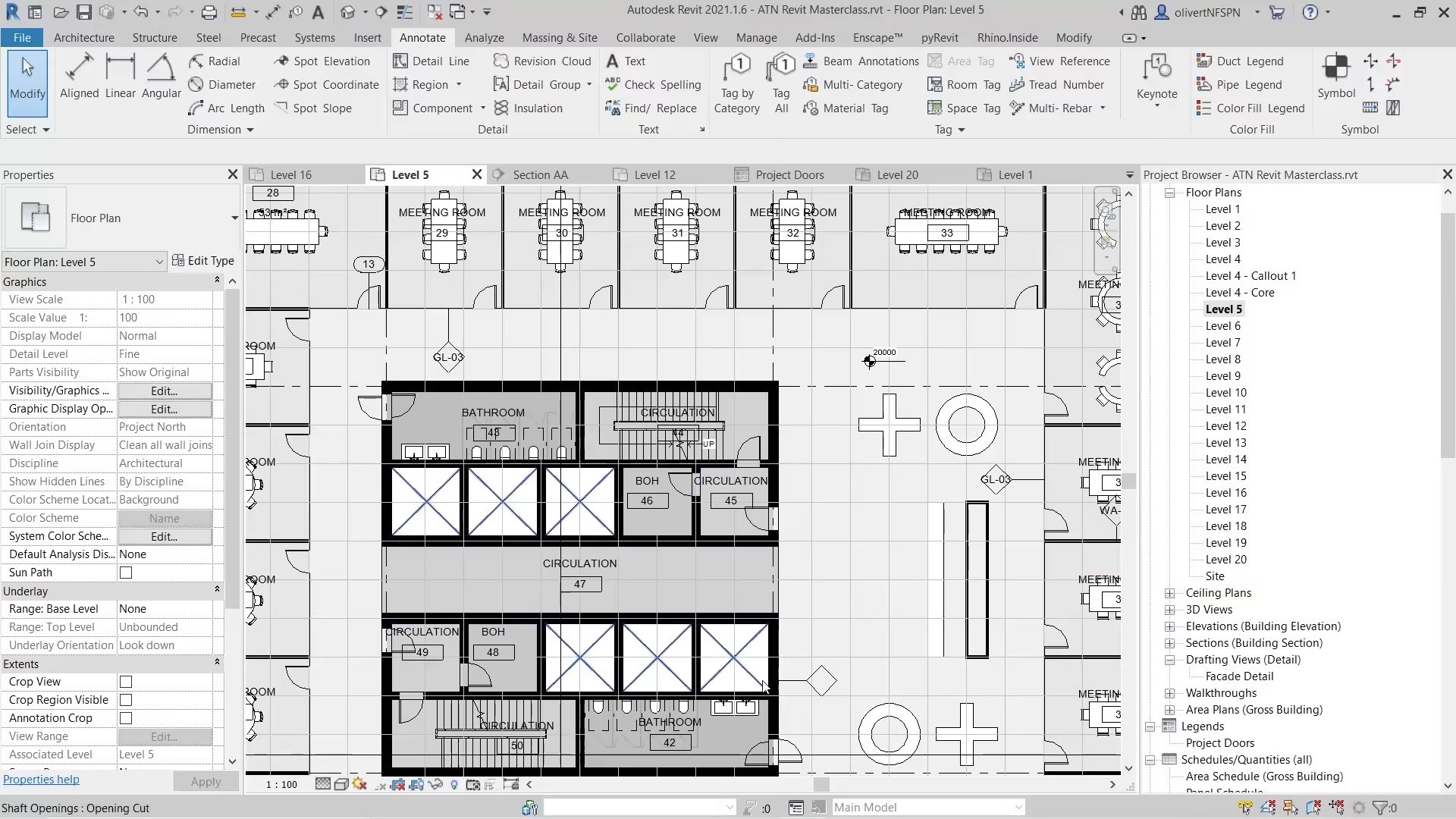
• Create coordinated drawing sets through annotation, views, and graphical control
• Develop collaborative workflows and custom families used in professional practice
In this module, you will learn how to model and organise core building elements within Revit.
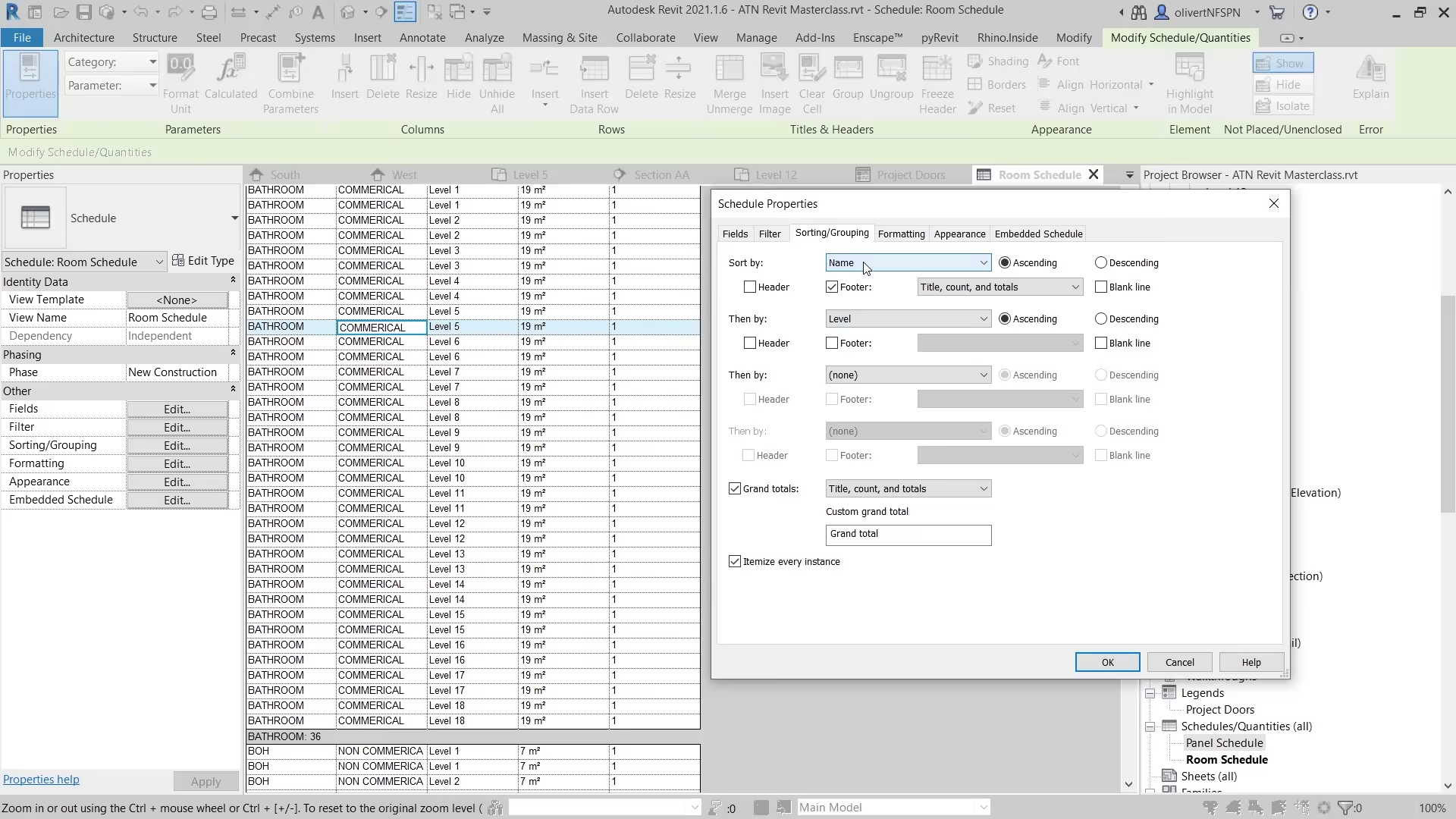
In this module, you will learn how to set up views, control graphics, and organise schedules within Revit.
In this module, you will learn how to annotate and refine your drawings for clear documentation.
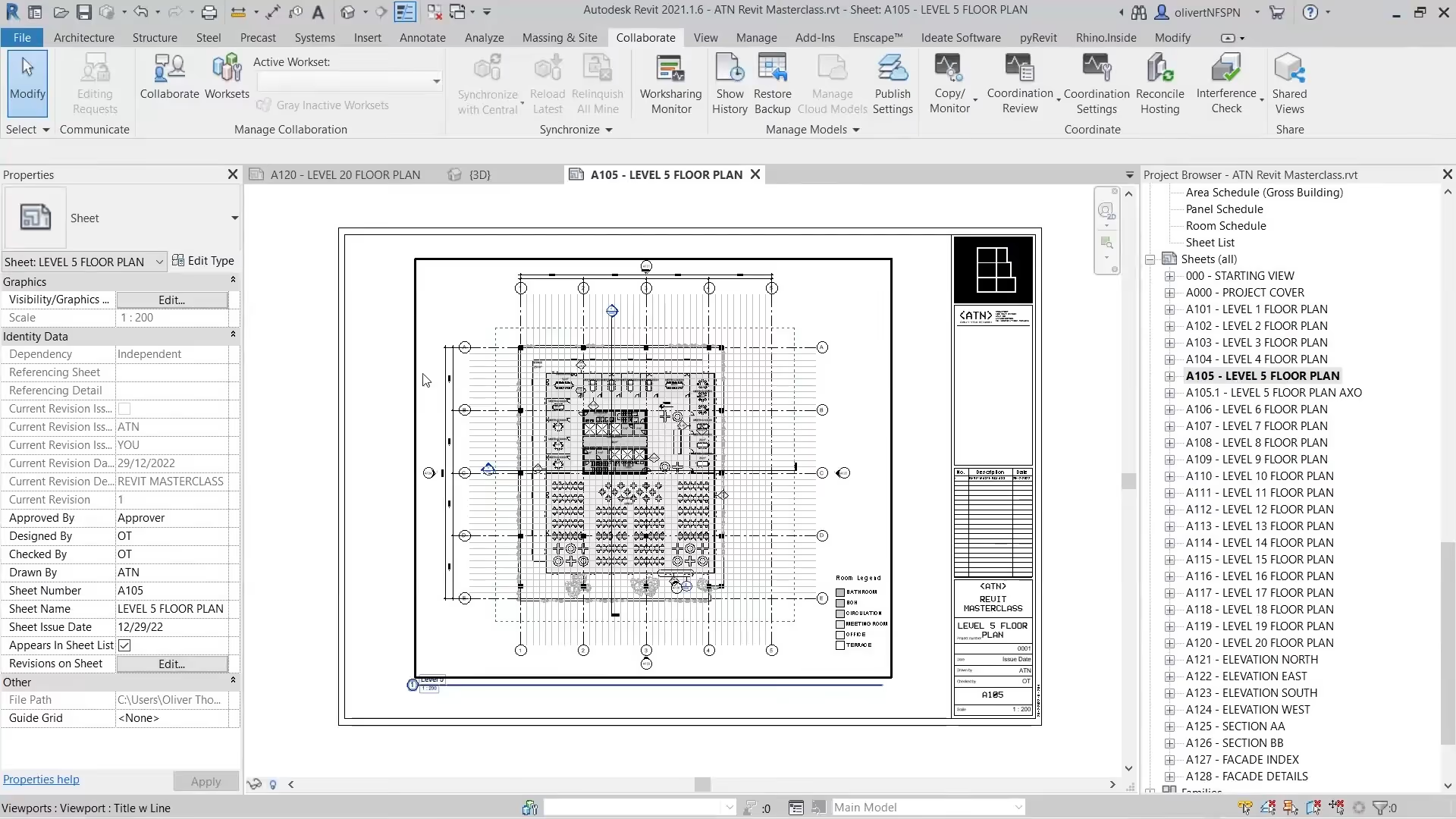
In this module, you will learn how to set up sheets and produce a coordinated drawing set.
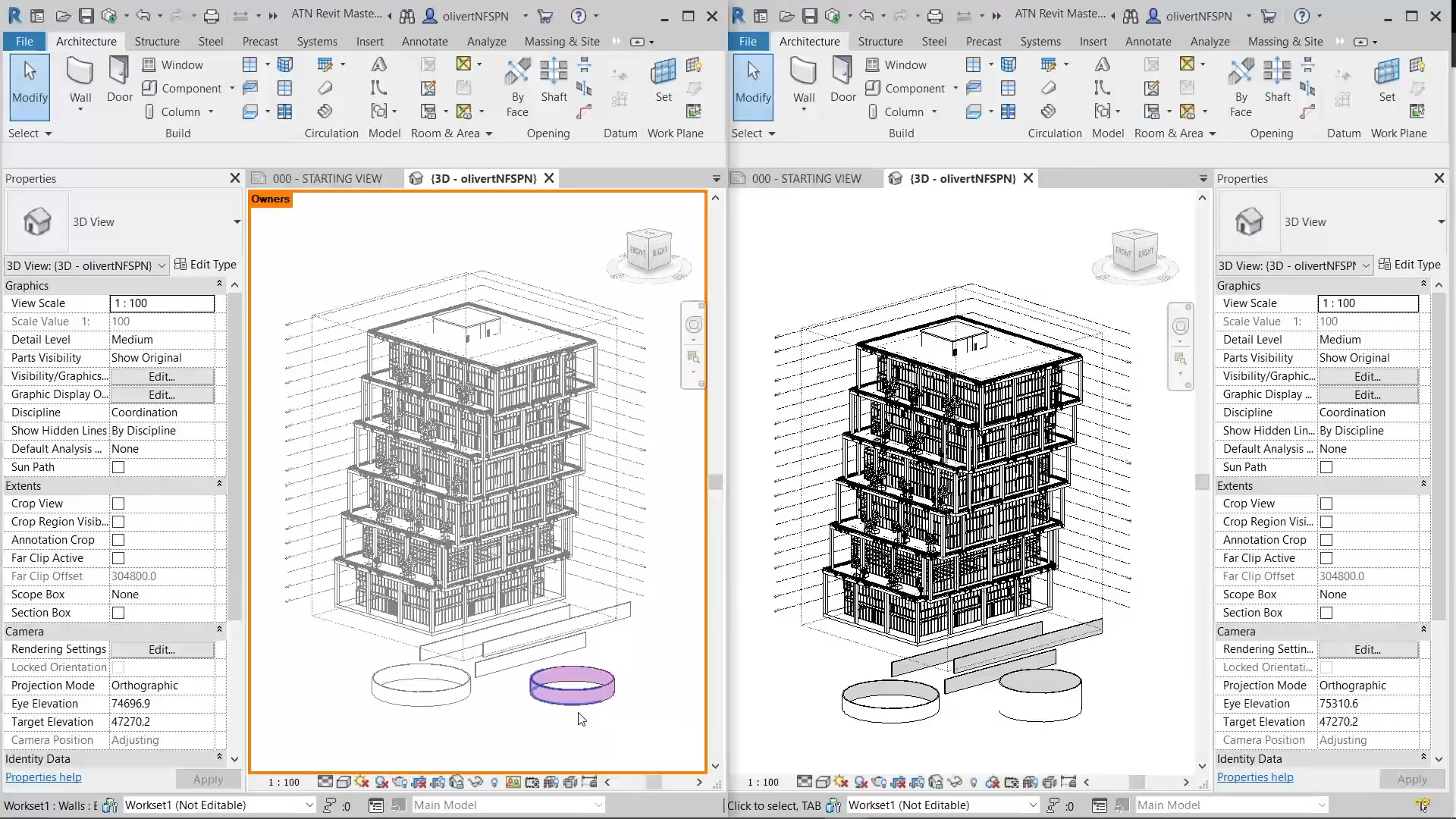
In this module, you will learn how to set up and manage a workshared project, enabling effective collaboration within a team.
In this module, you will learn how to create custom families in Revit to extend and adapt your models.
full course page
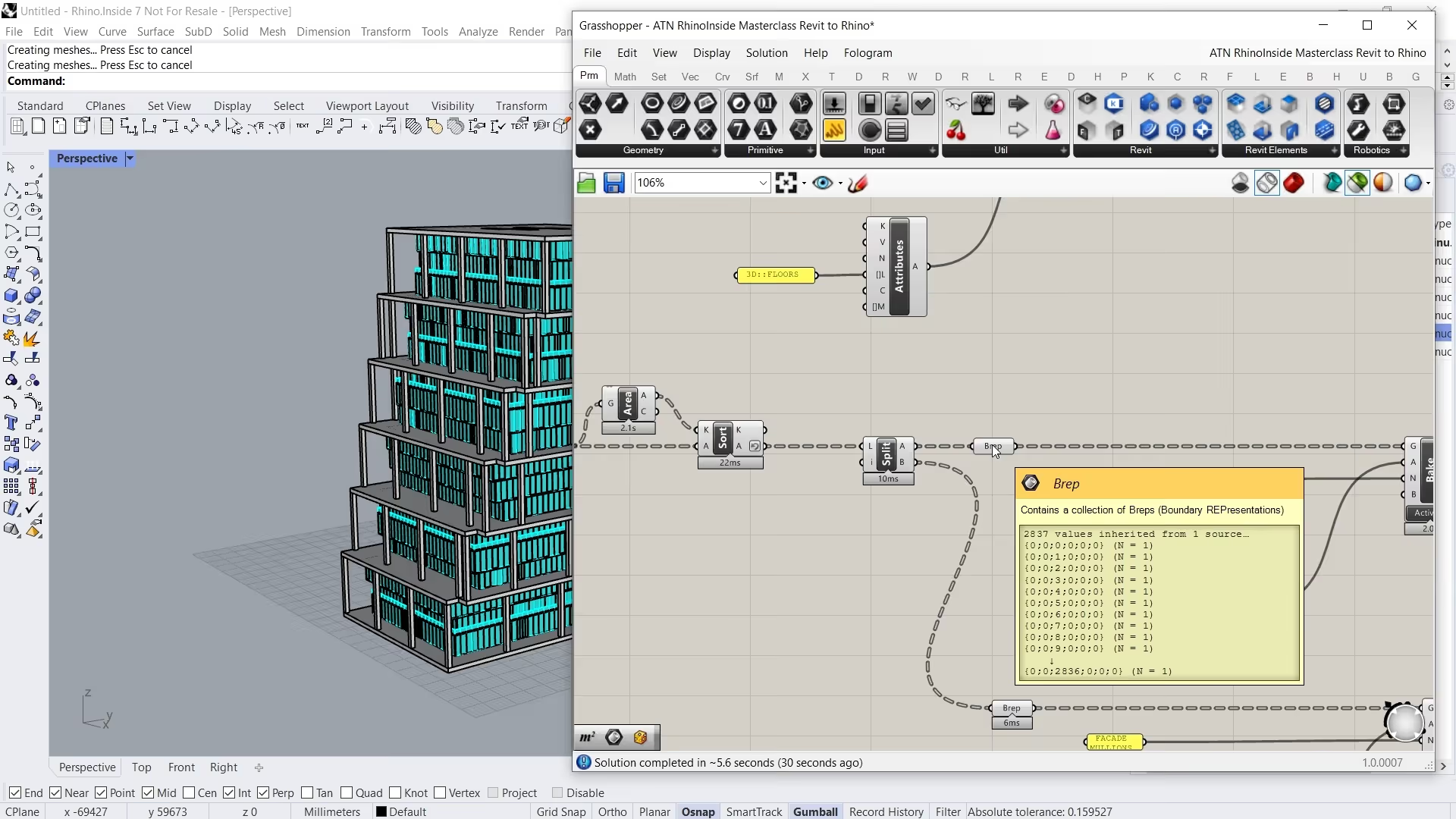
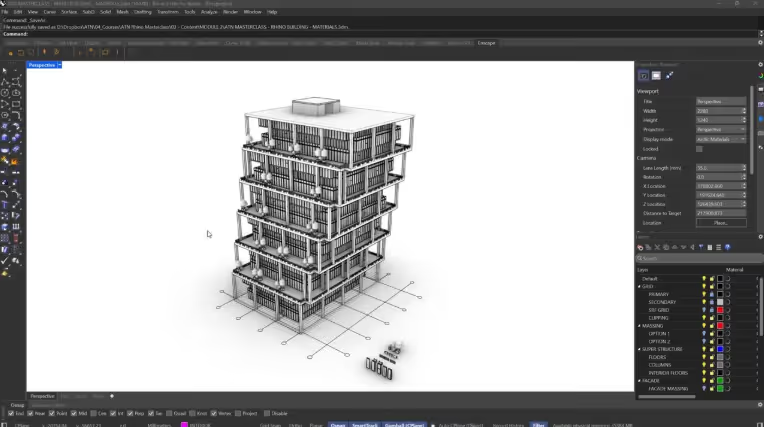
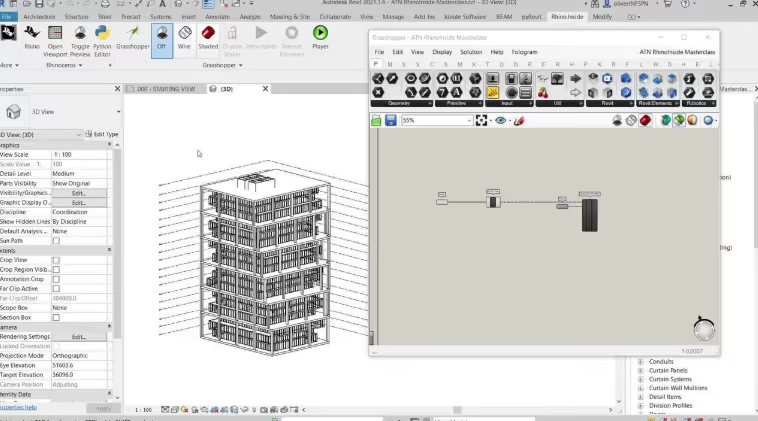
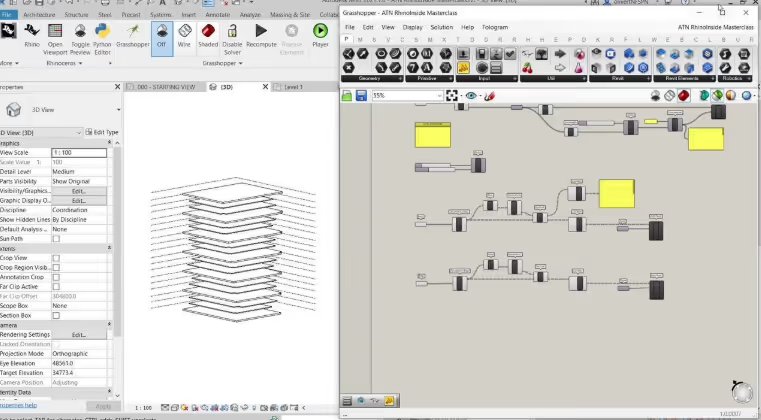
The ATN Rhino.Inside Masterclass explores how computation can be integrated into a BIM workflow. Led by ATN founder Oliver Thomas and informed by his experience at Bjarke Ingels Group, the course moves from converting Rhino geometry into native Revit elements through to automating drawings and generating parametric facades.
Structured across three focused modules, the masterclass demonstrates how Rhino.Inside enables advanced automation workflows within professional studio environments. Designed for intermediate users, emphasis is placed on connecting computational logic with BIM delivery.
You will develop the ability to create and manage parametric systems directly within Revit, producing coordinated models, drawings, and facade systems through automated workflows.
You will learn how to:
• Convert Rhino geometry into native Revit elements through automated workflows
• Automate drawings, documentation, and coordinated BIM outputs
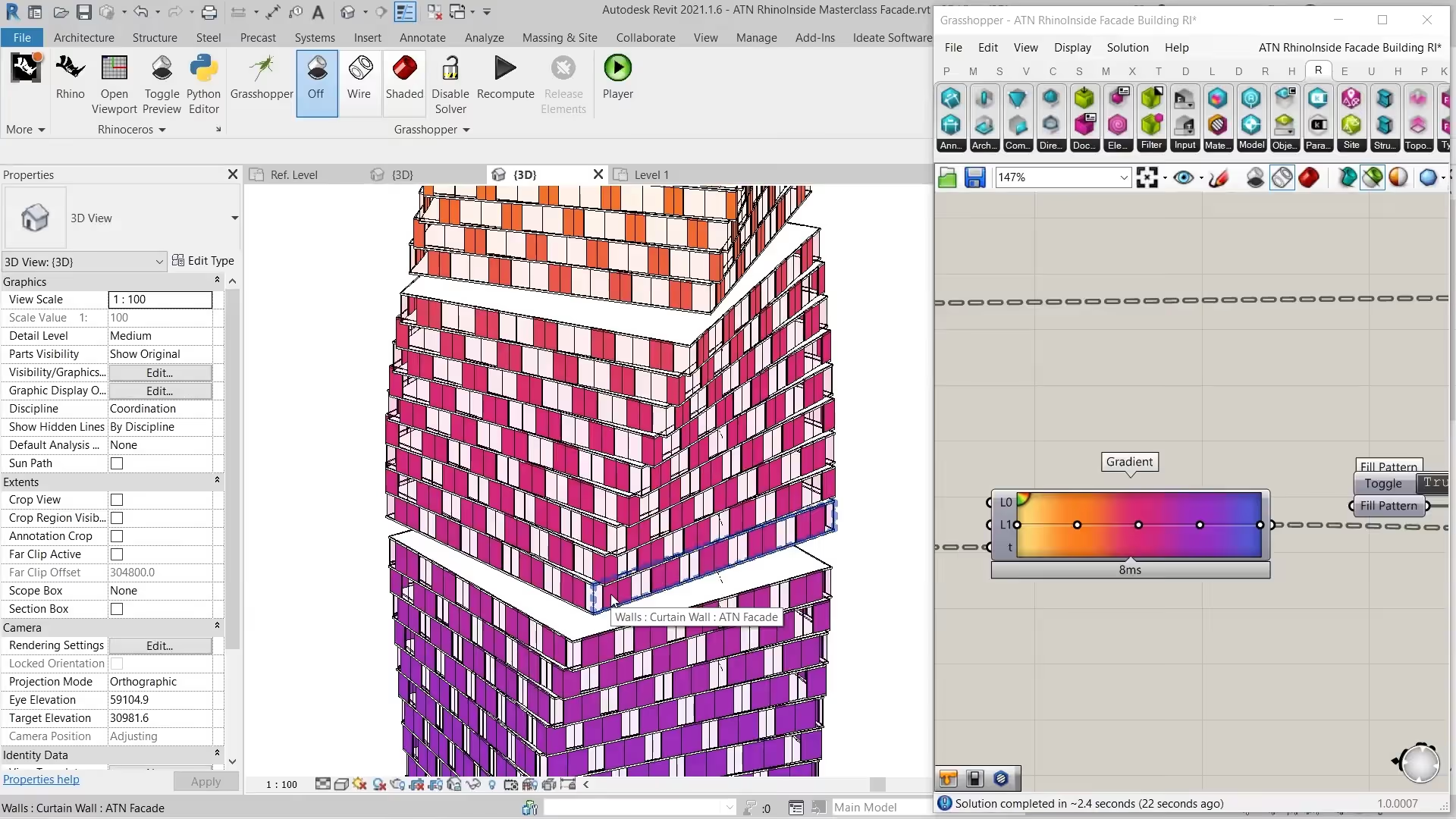
• Create parametric facade systems directly within Revit using computational logic
In the first module, you will learn how to use Grasshopper within Rhino.Inside to generate native Revit elements.
In this module, you will learn how to generate parametric drawings directly from your model within Revit.
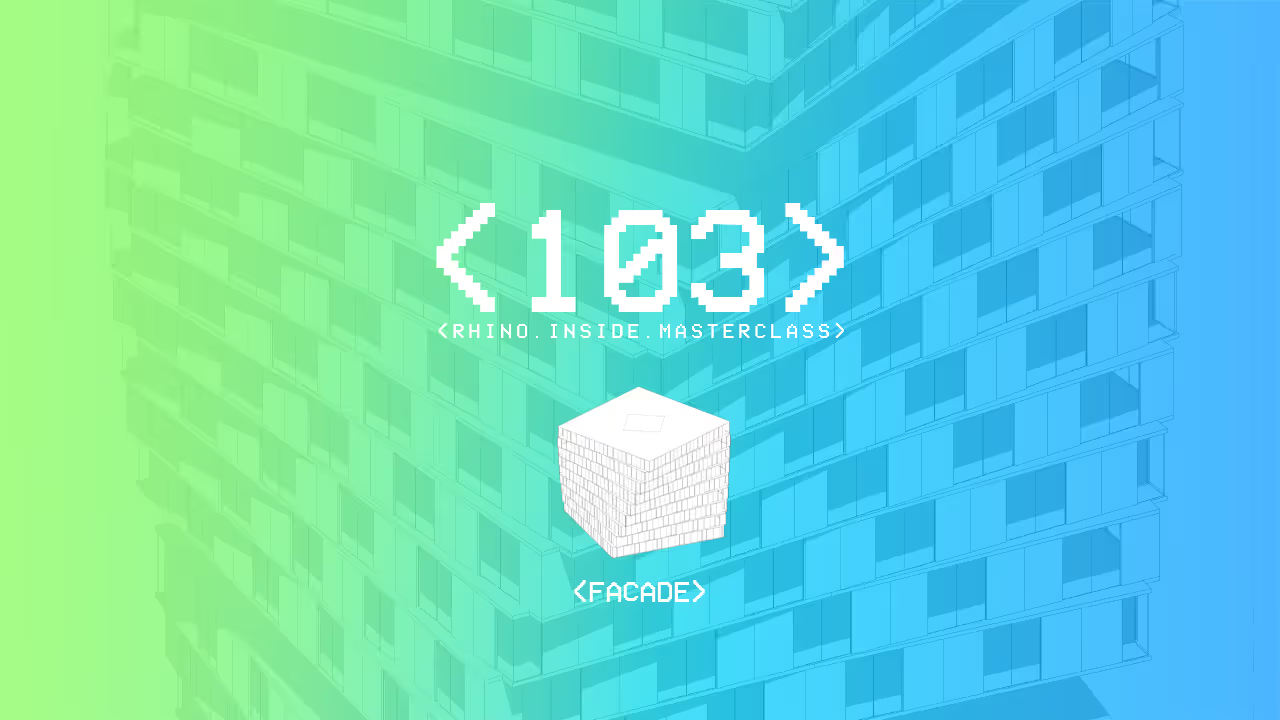
In this module, you will learn how to use Grasshopper within Rhino.Inside to control and generate parametric facade systems in Revit.
full course page
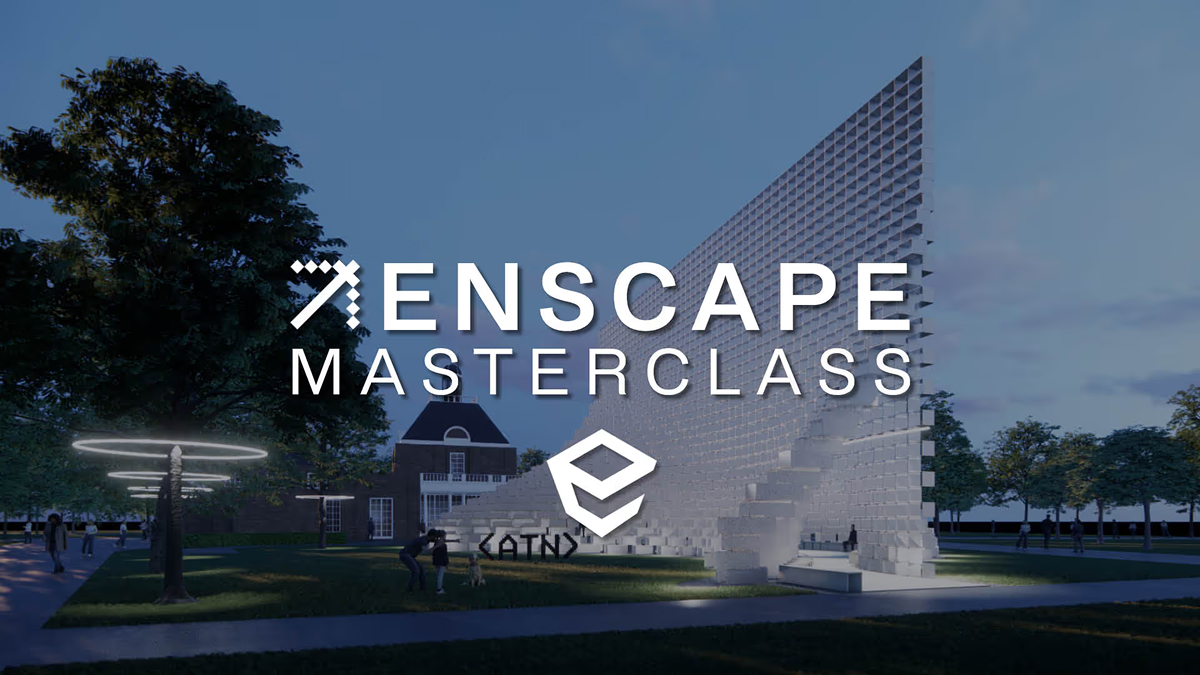
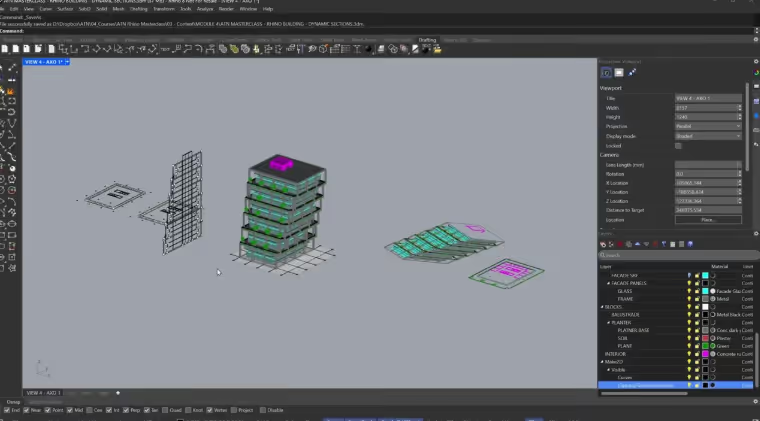
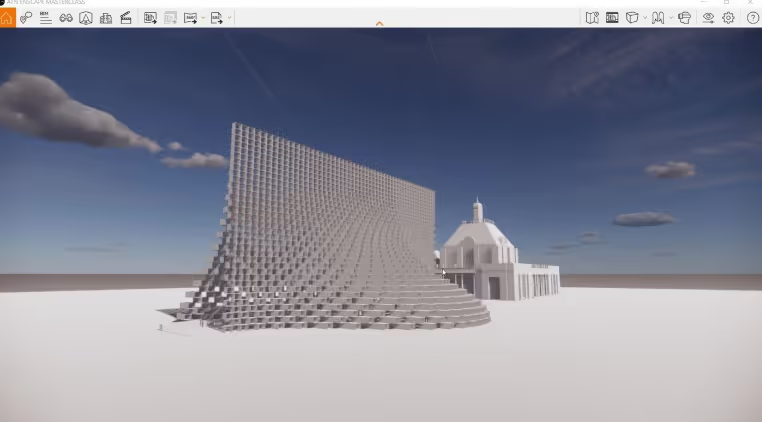
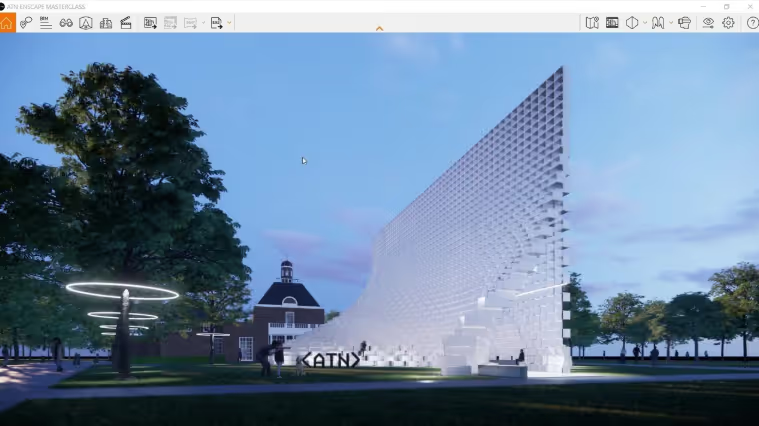
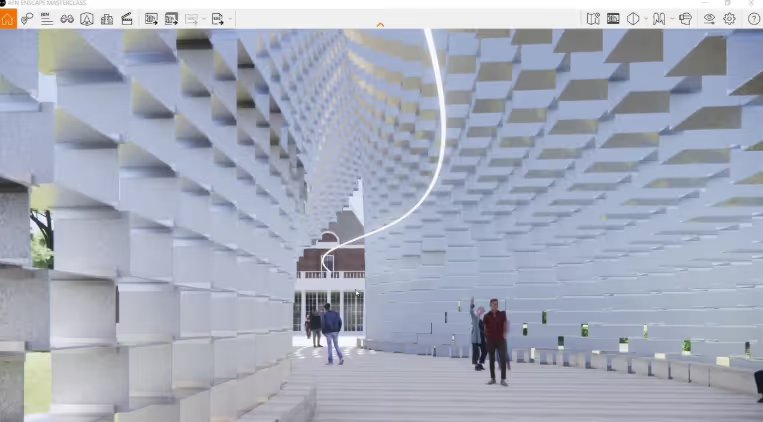
The ATN Enscape Masterclass explores how real-time visualisation is integrated into architectural design workflows. Developed in collaboration with Bjarke Ingels Group, the course moves from scene setup and visual control through to exporting images, animations, panoramas, and VR content.
Structured across three focused modules, the masterclass demonstrates how Enscape enables fast, consistent visual output directly from BIM models within live studio environments. Emphasis is placed on workflows that support rapid iteration and clear design communication.
You will develop the ability to produce high-quality visualisations and immersive outputs directly from your model, streamlining the transition from design to presentation.
You will learn how to:
• Build efficient visualisation workflows directly from live BIM models
• Create images, animations, panoramas, and VR outputs for presentations
• Develop fast, high-quality visual outputs that support design communication
In this module, you will learn how to install, navigate, and configure Enscape's interface
In this module, you will learn how to prepare your project for rendering, working with materials, assets, and lighting.
In the final module, you will learn how to produce and export high-quality visuals, animations, and immersive media from your model.