ATN MASTERCLASS
.svg)
.svg)

00:00
/
00:00

Learn more
Develop a practice-ready understanding of Enscape, applying expert workflows to produce high-quality visuals and VR-ready content.

Software Taught
Enscape

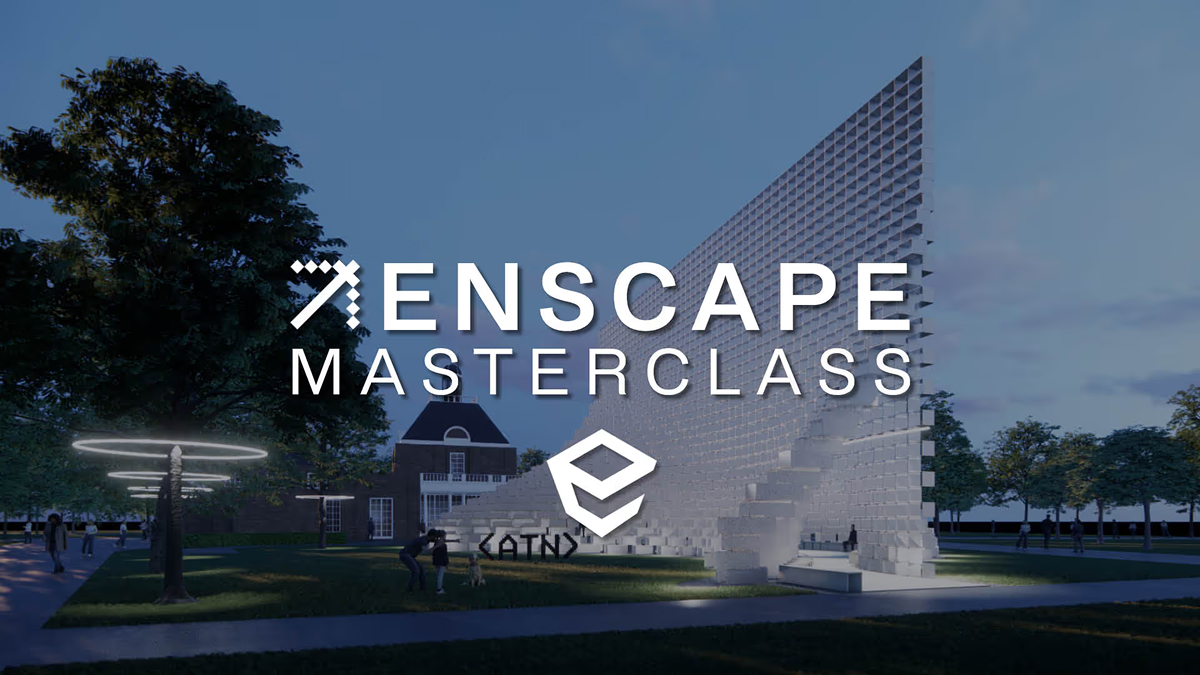
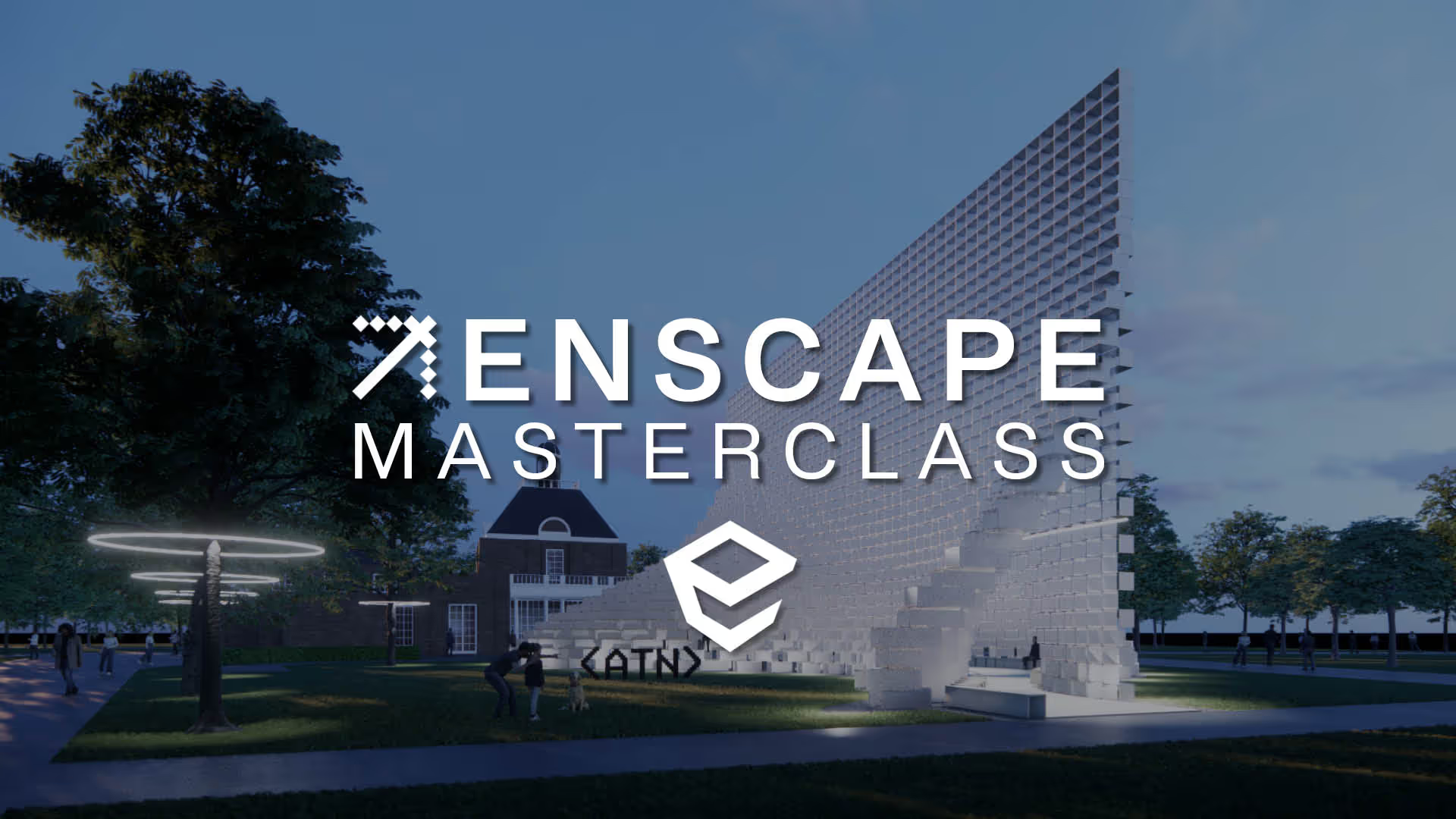
The ATN Enscape Masterclass explores how real-time visualisation is integrated into architectural design workflows. Developed in collaboration with Bjarke Ingels Group, the course moves from scene setup and visual control through to exporting images, animations, panoramas, and VR content.
Structured across three focused modules, the masterclass demonstrates how Enscape enables fast, consistent visual output directly from BIM models within live studio environments. Emphasis is placed on workflows that support rapid iteration and clear design communication.
You will develop the ability to produce high-quality visualisations and immersive outputs directly from your model, streamlining the transition from design to presentation.
You will learn how to:
• Build efficient visualisation workflows directly from live BIM models
• Create images, animations, panoramas, and VR outputs for presentations
• Develop fast, high-quality visual outputs that support design communication

%50
OFF
£TBD

A structured, self-paced course built from the ground up for online learning, available anytime with lifetime access inside ATN’s Netflix-style streaming platform.


Models and scripts can be downloaded from the course.


Pre-recorded masterclass, including project files and complete workflows to support hands-on learning.

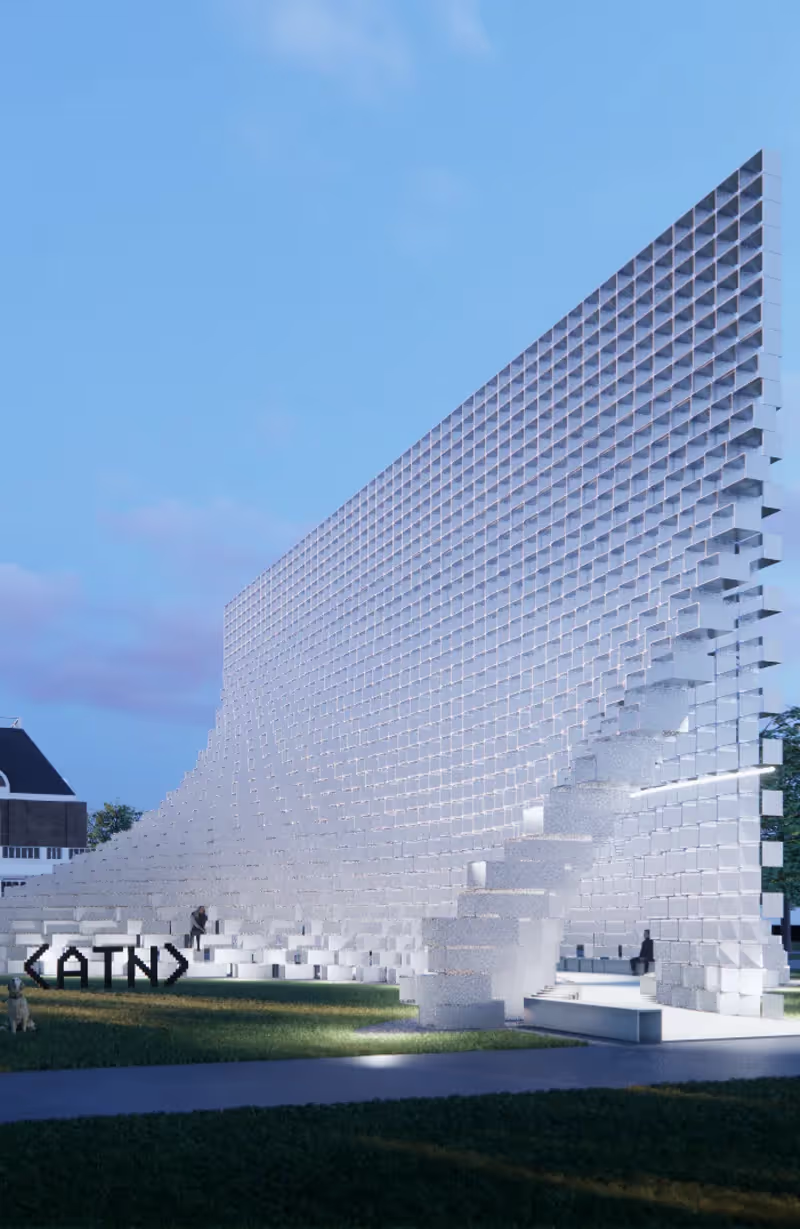
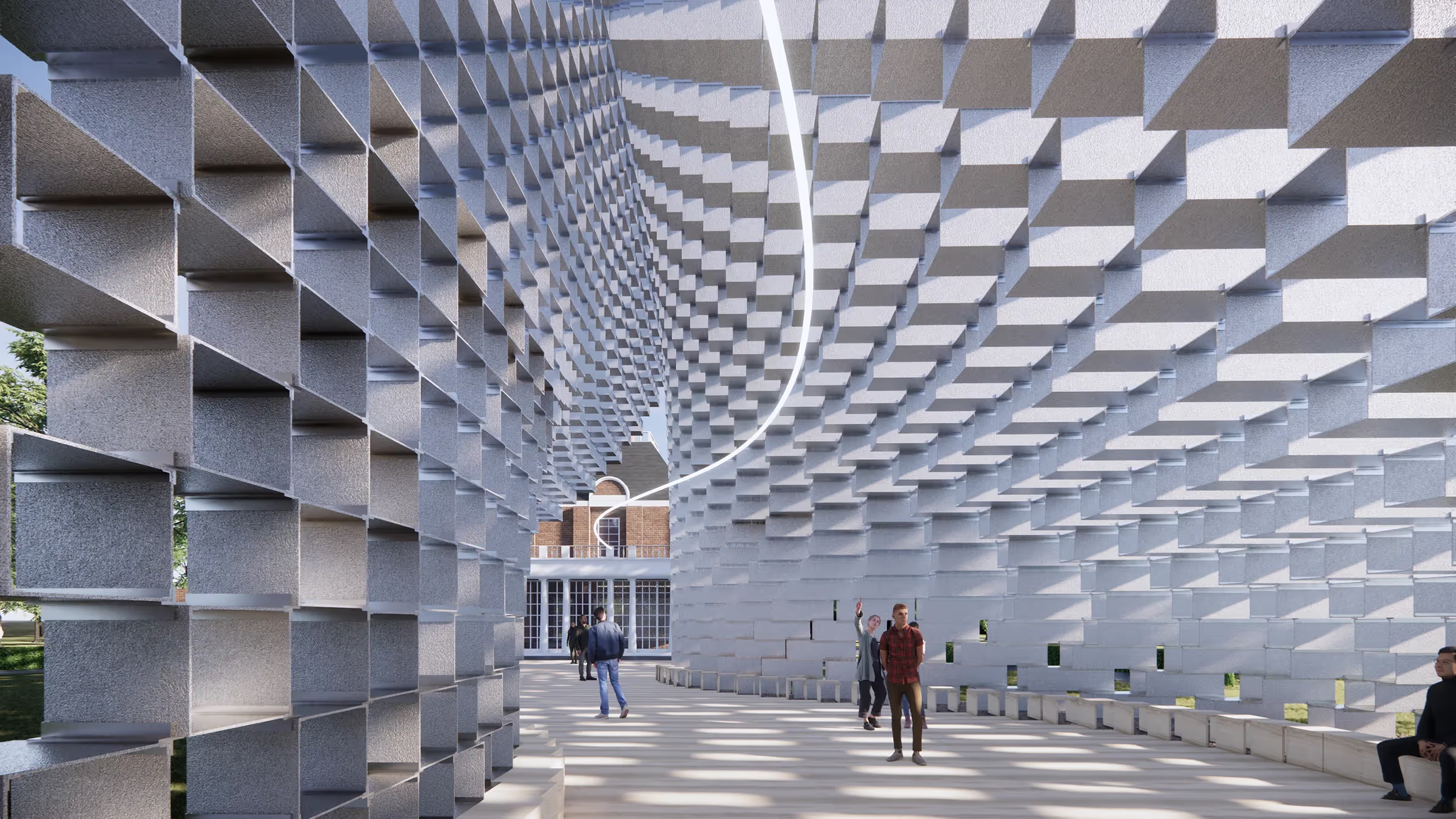
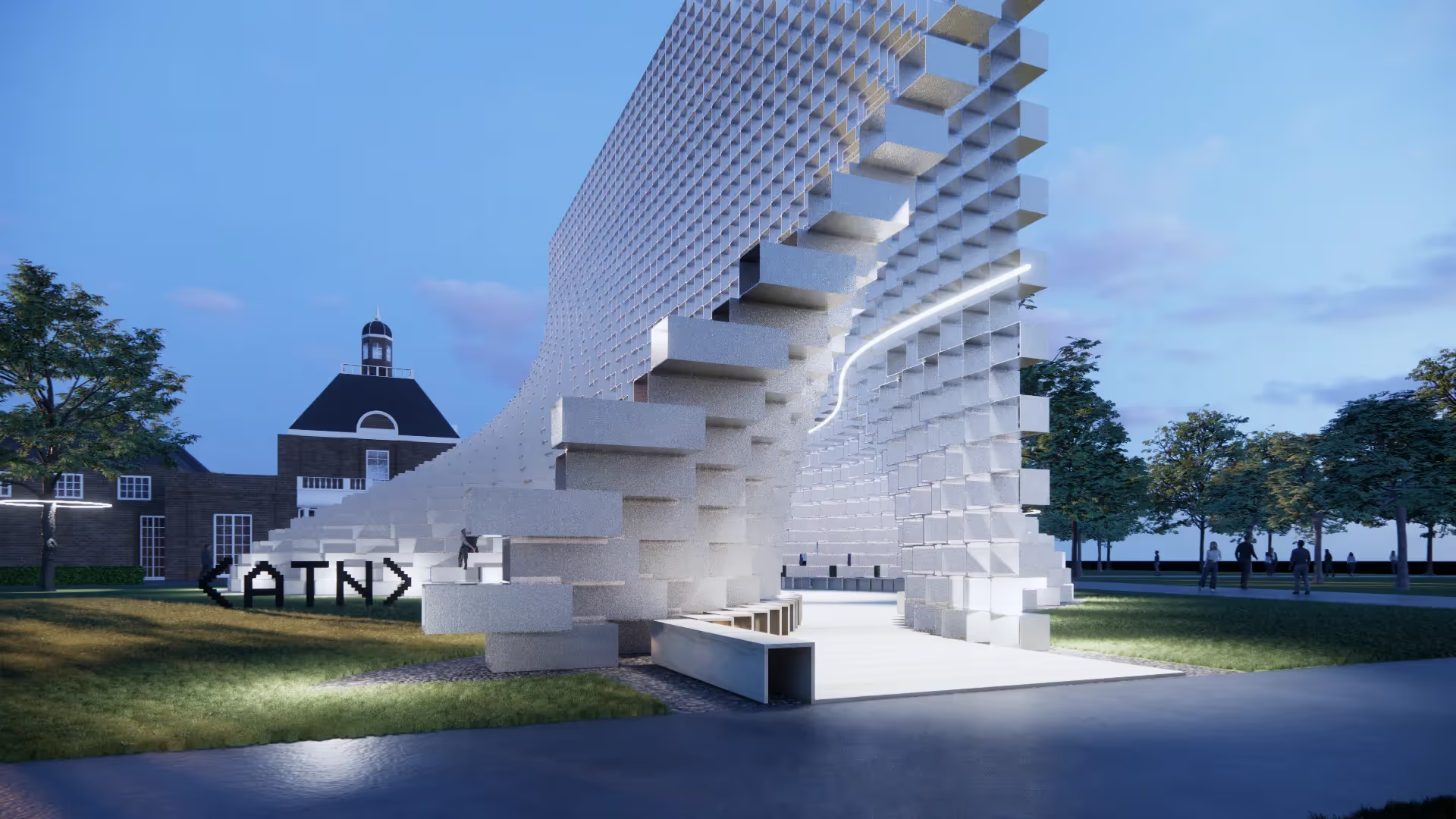
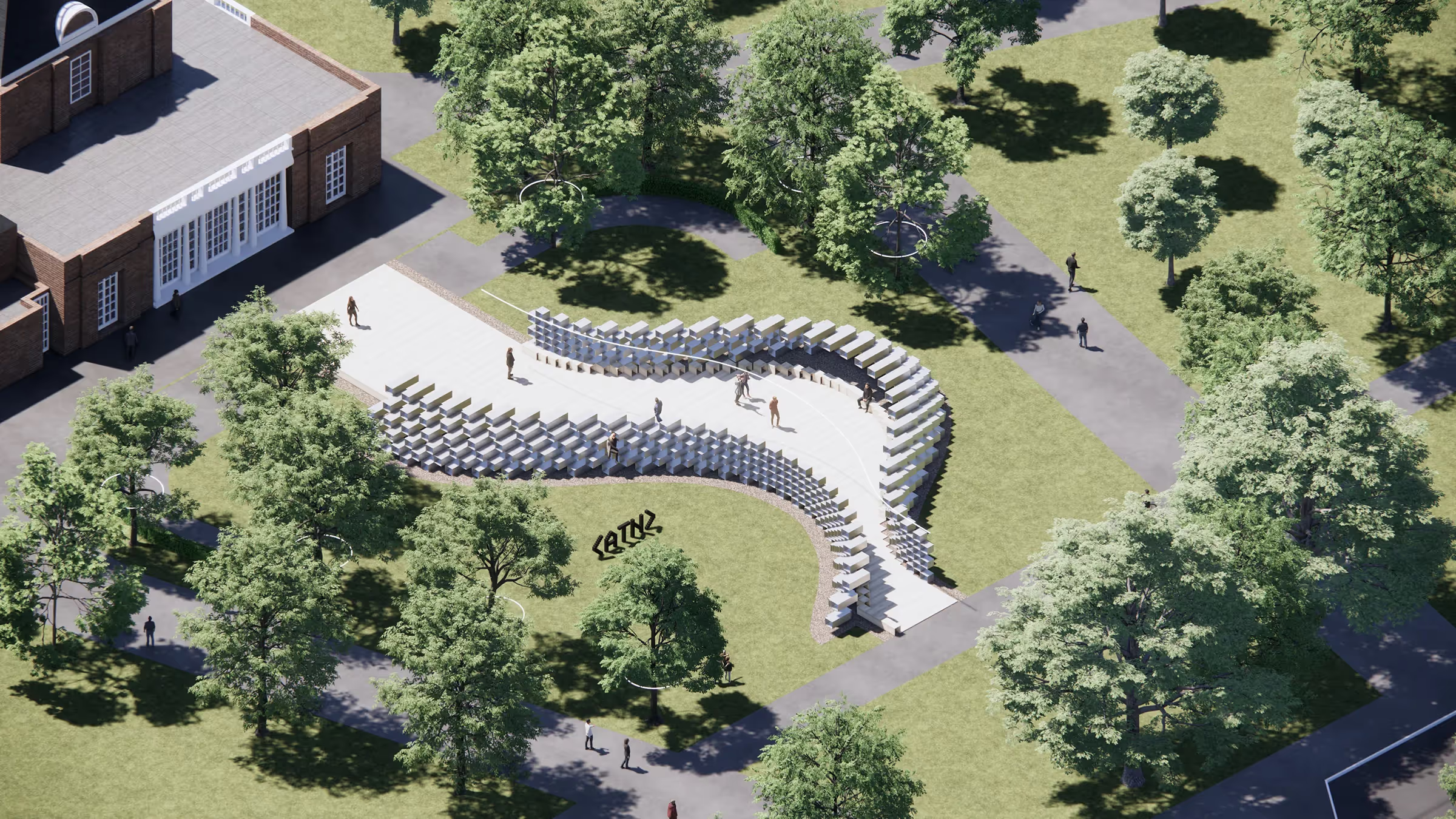

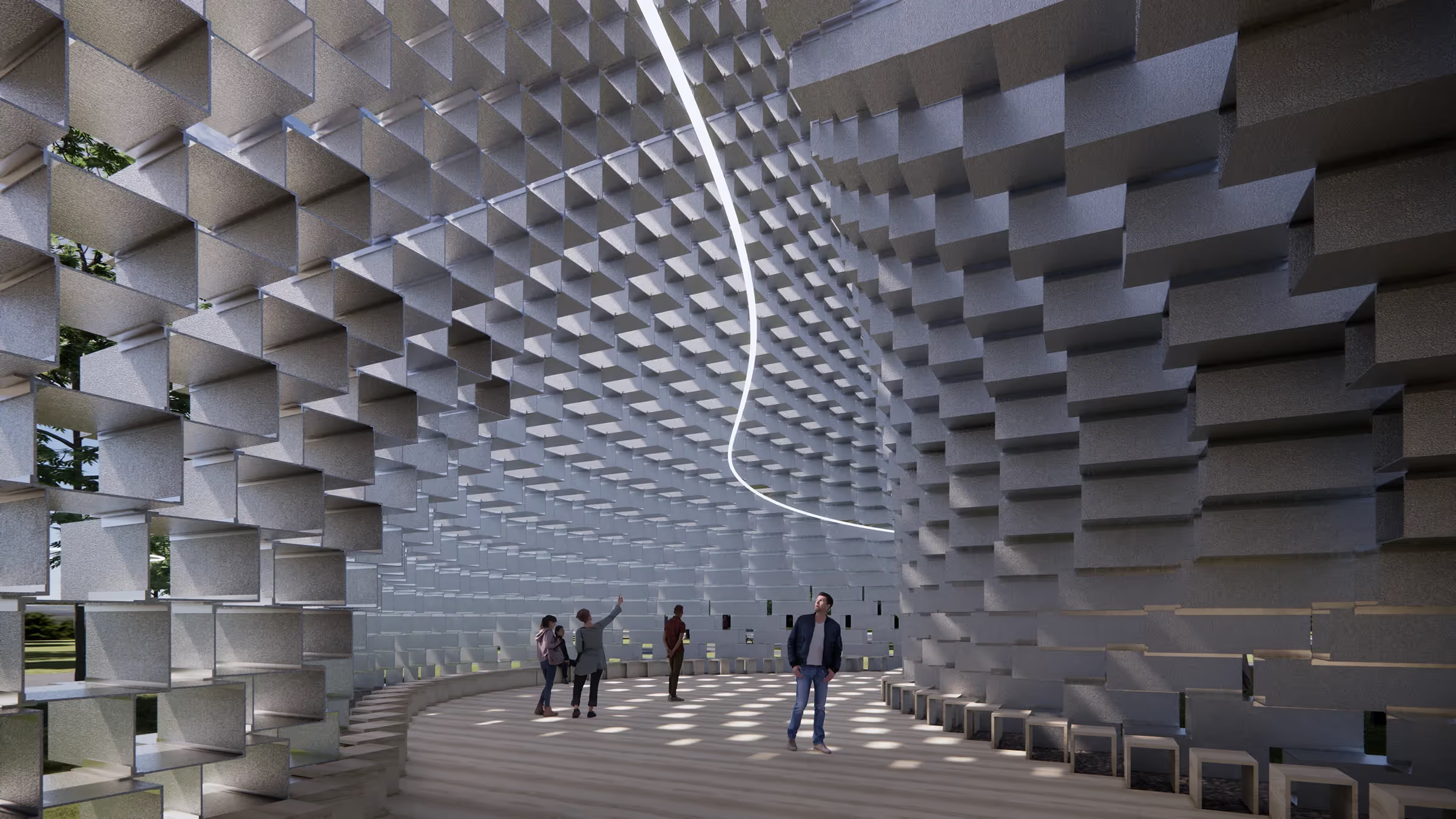


CEO & Founder of Archi-Tech Network
Oliver Thomas, Founder and CEO of Archi-Tech Network. Oliver developed this course whilst working as the Design Technology Manager at Bjarke Ingels Group. Oliver has over 10 years real world experience working in practice with BIM whilst working at firms such as Aedas, Front inc and BIG. Oliver pioneered bringing Rhino Inside in the office at BIG and utilised it on real world projects.
Oliver is now Co-Founder of Facit Technologies, a start up rethinking the future of home construction, heavily using BIM to manufacturing processes.
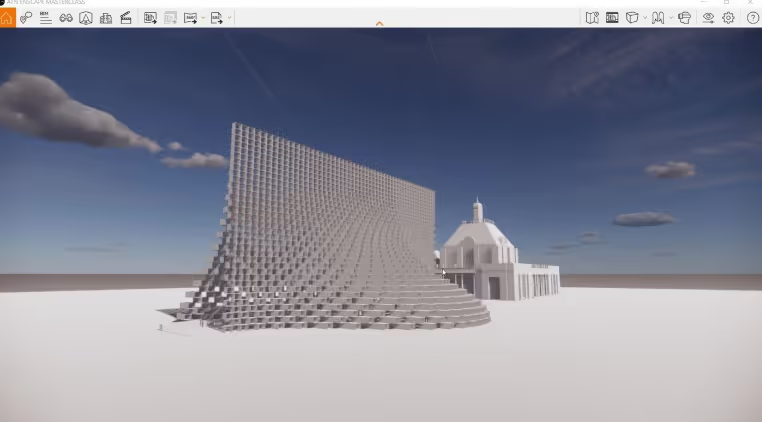
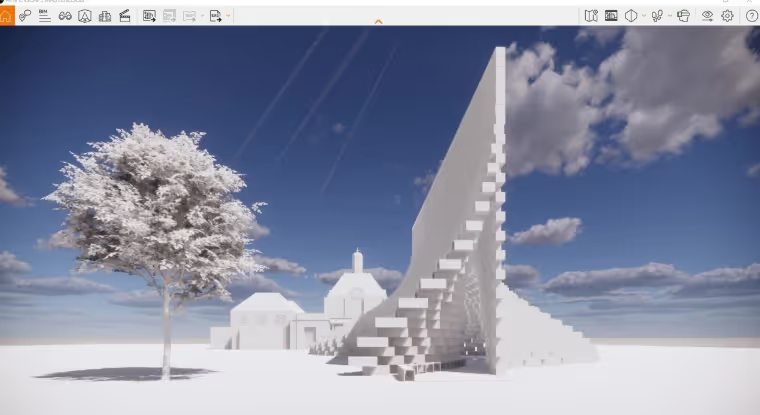
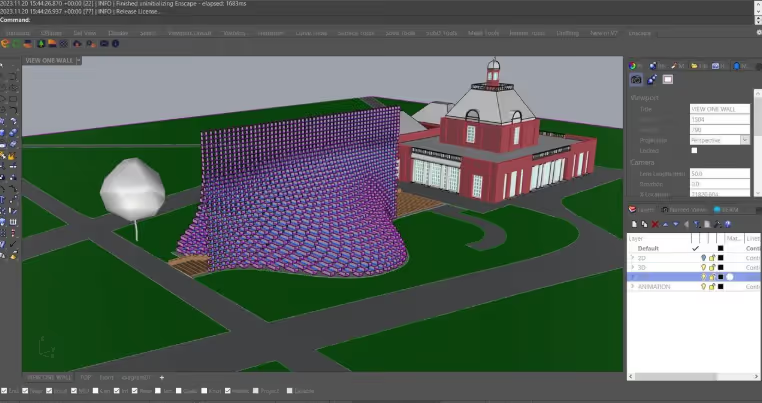
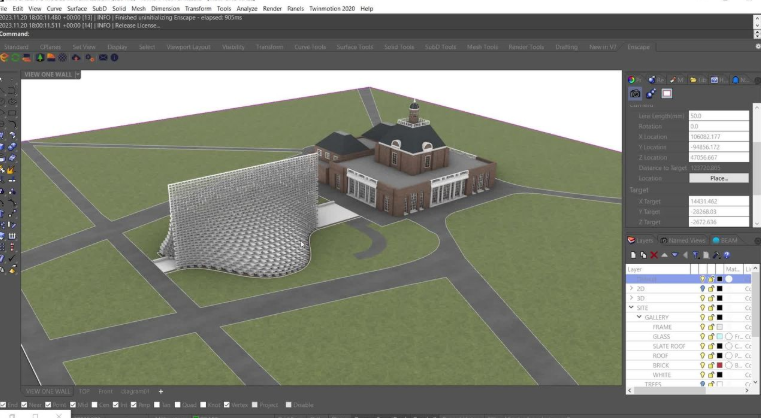
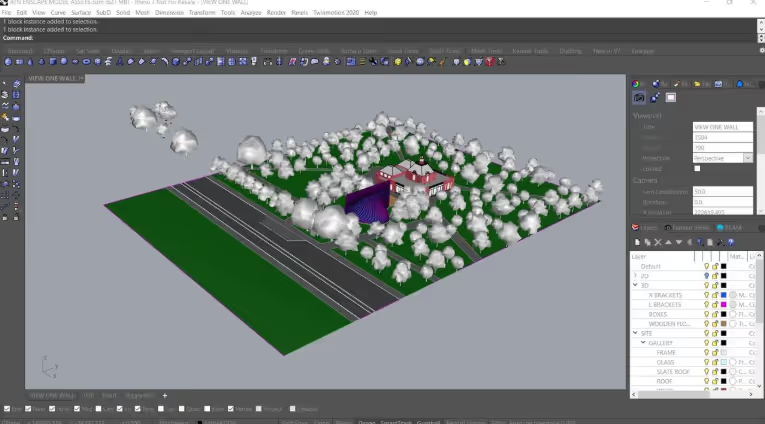
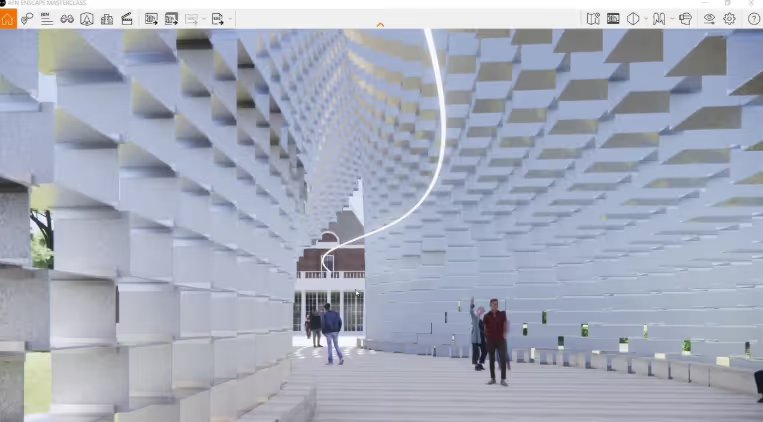
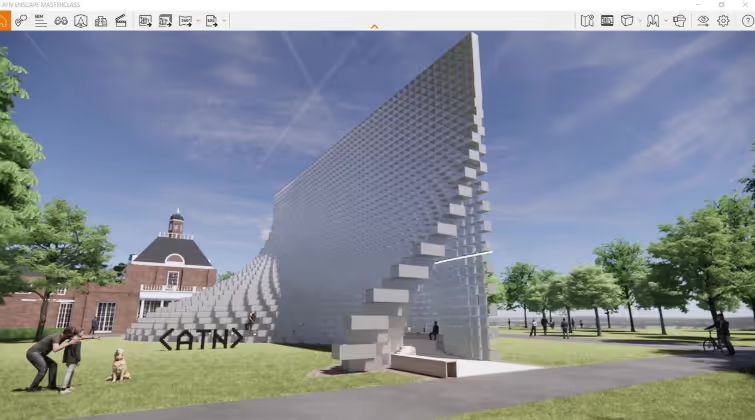
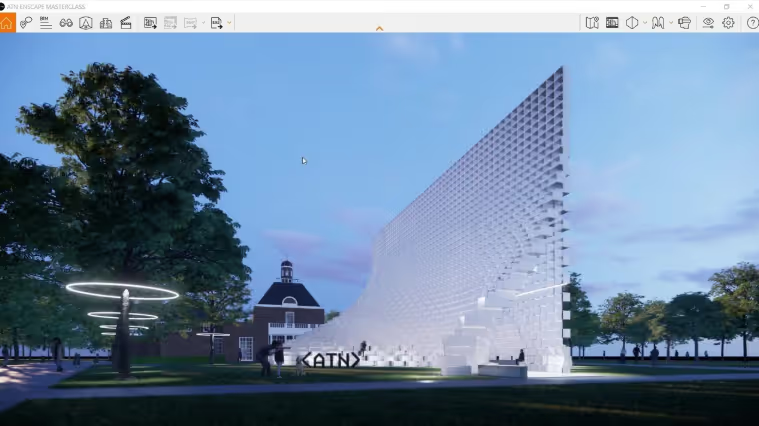
In this module, you will learn how to install, navigate, and configure Enscape's interface
In this module, you will learn how to prepare your project for rendering, working with materials, assets, and lighting.
In the final module, you will learn how to produce and export high-quality visuals, animations, and immersive media from your model.