ATN MASTERCLASS
.svg)
.svg)

00:00
/
00:00

Learn more
Develop a practice-ready understanding of Rhino, from early massing to presentation and drawing production, informed by workflows used within leading architectural firms.

Software Taught
Rhino

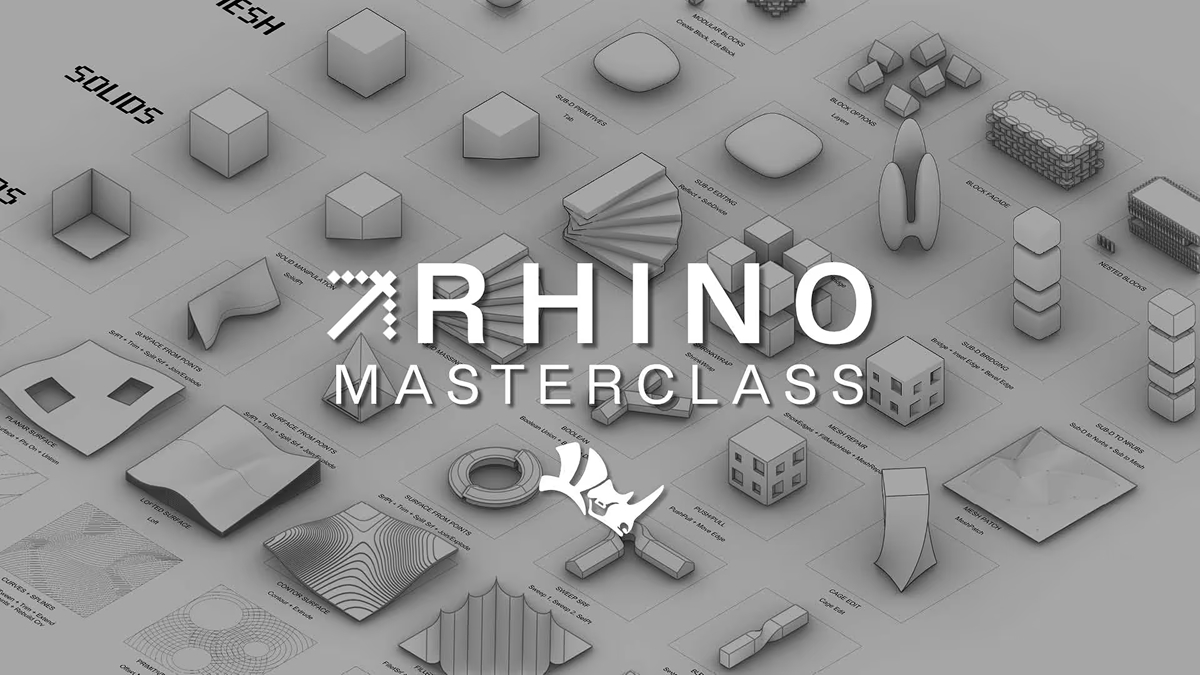
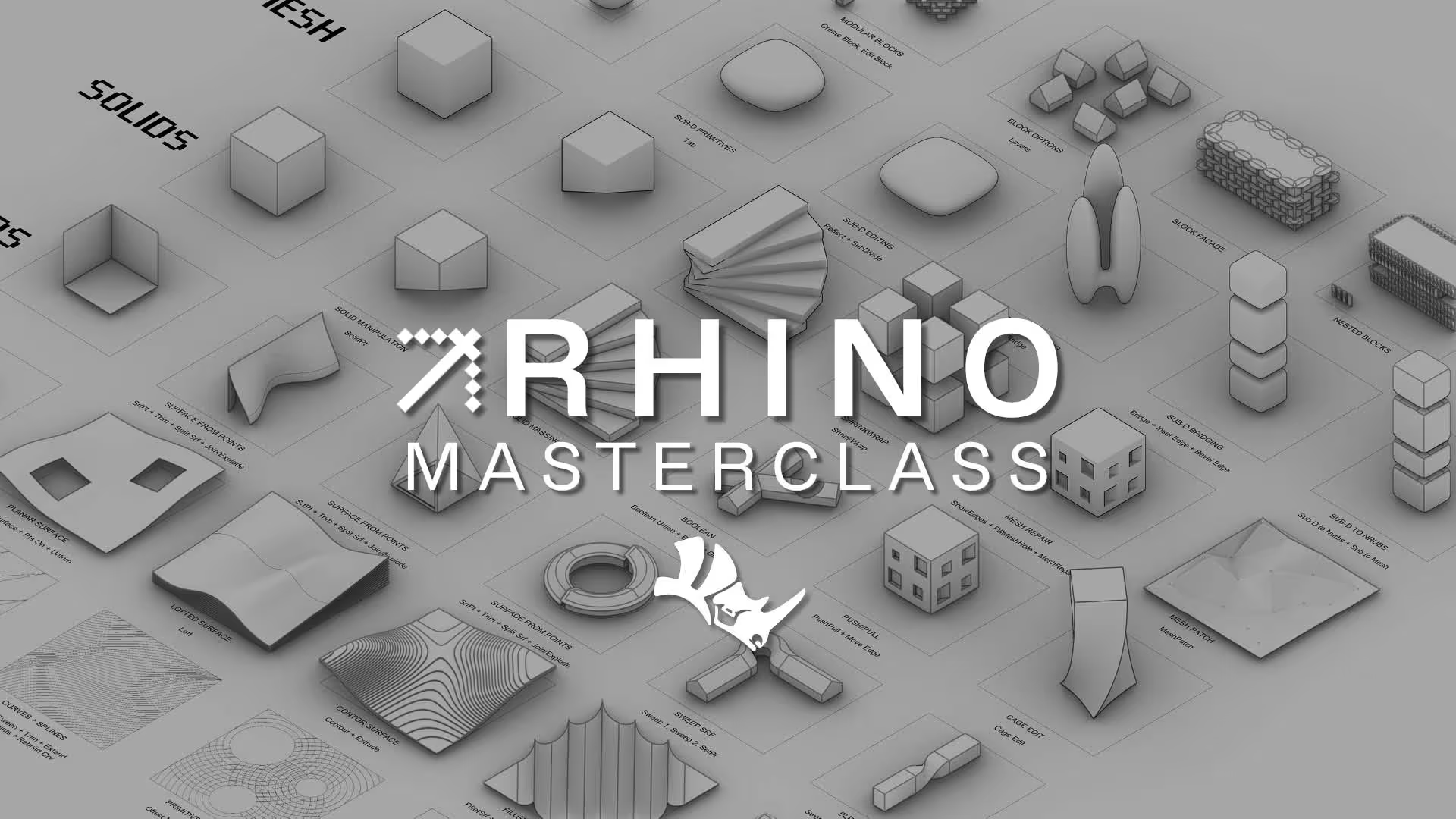
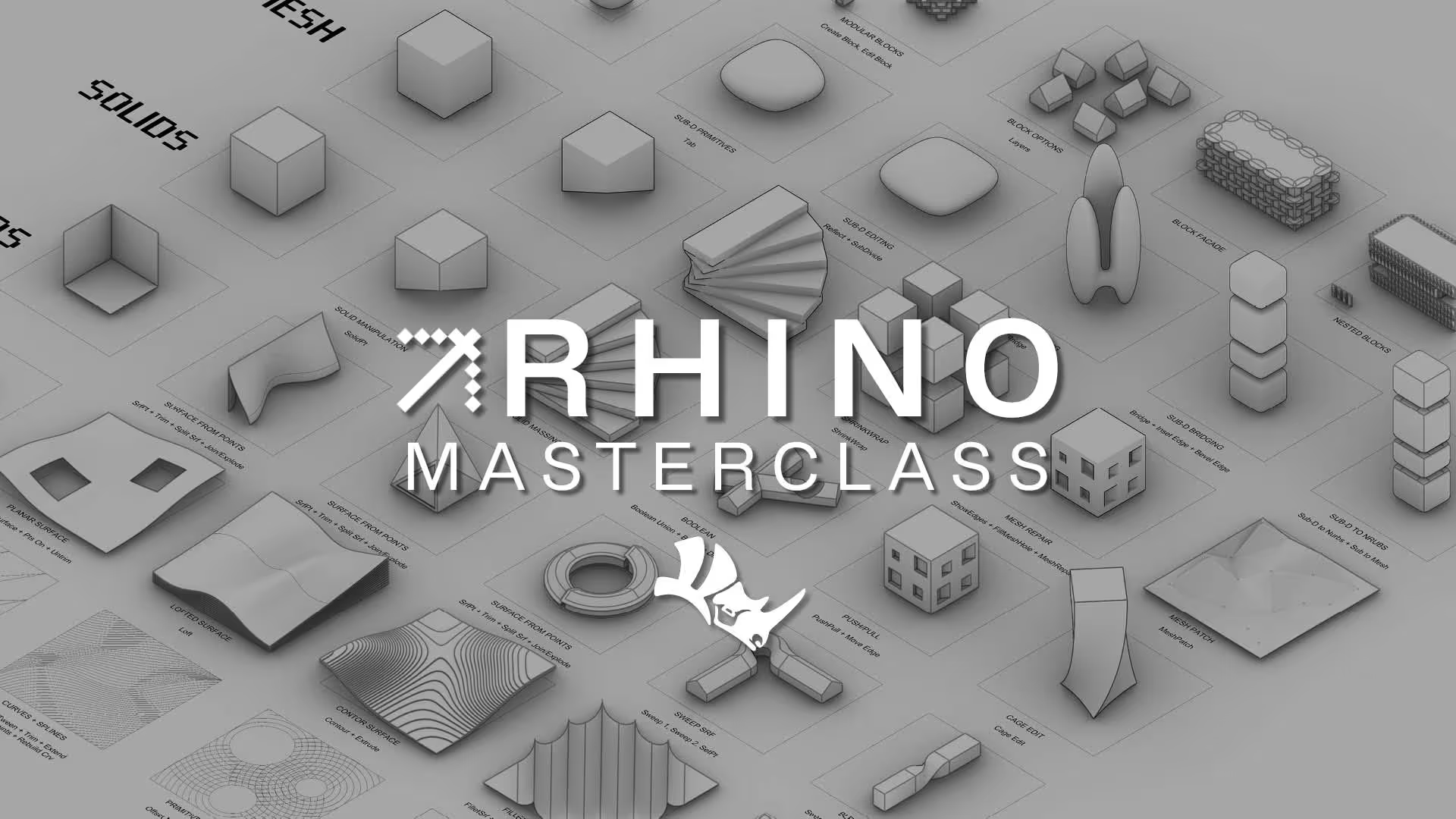
The ATN Rhino Masterclass explores Rhino as a core design tool within contemporary architectural practice. Led by Oliver Thomas and informed by his experience at Bjarke Ingels Group, the course progresses from fundamental modelling techniques through to project development and 2D drawing production.
Structured across four focused modules, the masterclass demonstrates how Rhino supports design exploration, iteration, and clear project communication within studio environments. Emphasis is placed on developing workflows that are both adaptable and practical, enabling you to move seamlessly from early design stages through to presentation and documentation.
You will learn how to:
• Build a strong foundation in Rhino modelling, from core tools and geometry creation to efficient project setup
• Develop architectural projects through diagrams, iterations, and clear visual communication workflows
• Produce organised 2D drawings and presentation outputs used across contemporary architectural practice

%50
OFF
£TBD

A structured, self-paced course built from the ground up for online learning, available anytime with lifetime access inside ATN’s Netflix-style streaming platform.


Full access to file, models and scripts can be downloaded from the course.


Pre-recorded masterclass, including project models and complete workflows to support hands-on learning.


CEO & Founder of Archi-Tech Network
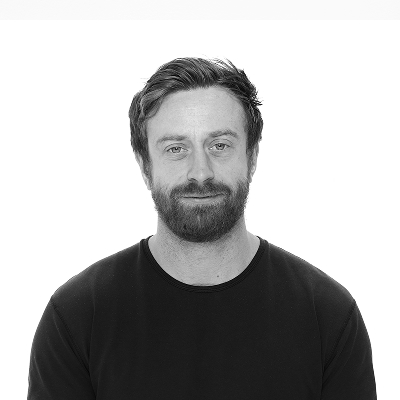
Oliver Thomas, Founder and CEO of Archi-Tech Network. Oliver developed this course whilst working as the Design Technology Manager at Bjarke Ingels Group. Oliver has over 10 years real world experience working in practice with BIM whilst working at firms such as Aedas, Front inc and BIG. Oliver pioneered bringing Rhino Inside in the office at BIG and utilised it on real world projects.
Oliver is now Co-Founder of Facit Technologies, a start up rethinking the future of home construction, heavily using BIM to manufacturing processes.
%20(1).avif)
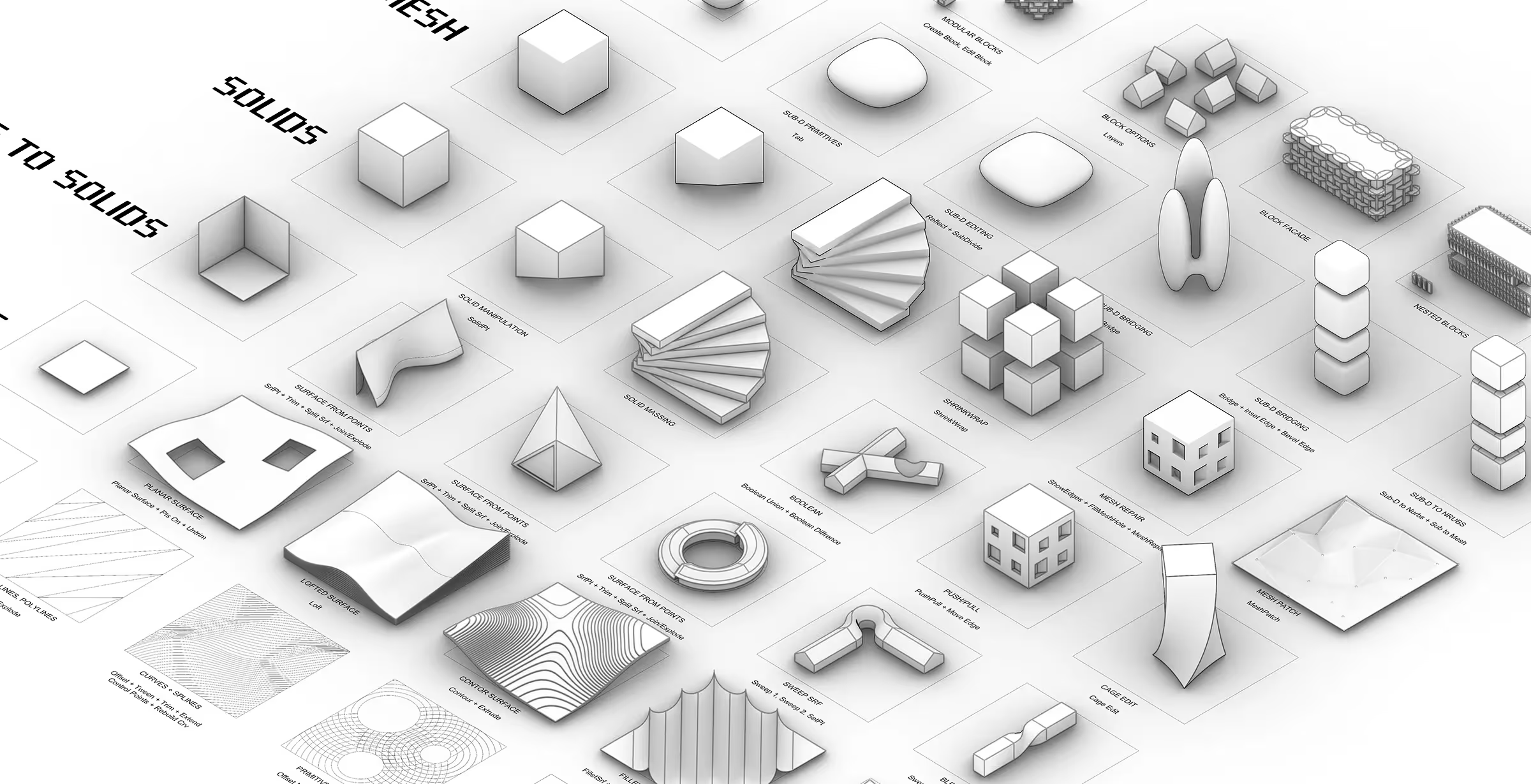
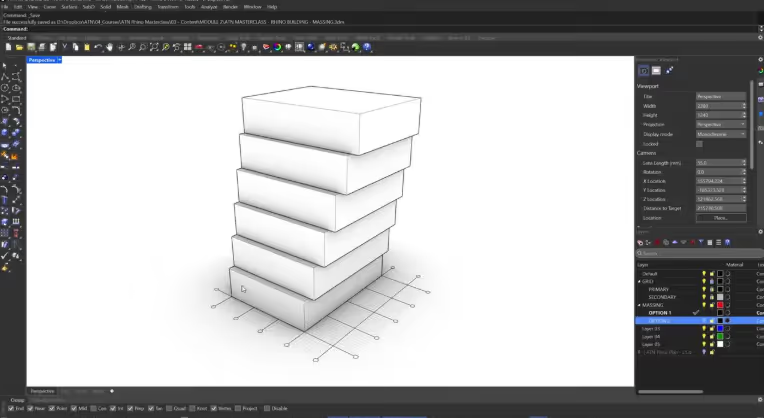
Get started in Rhino with the core modelling tools - learn the essential tools for everyday design work.
%20(1).avif)
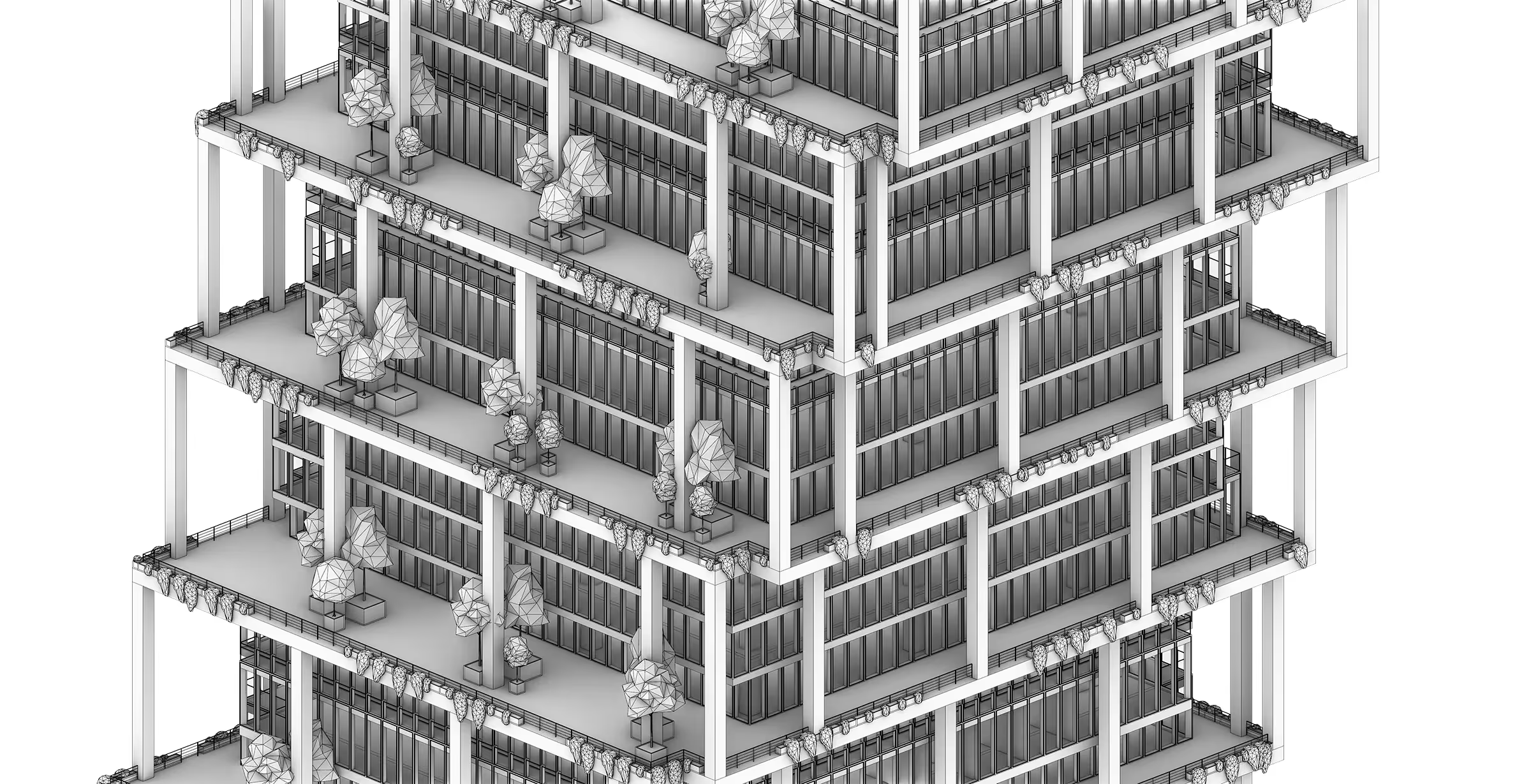
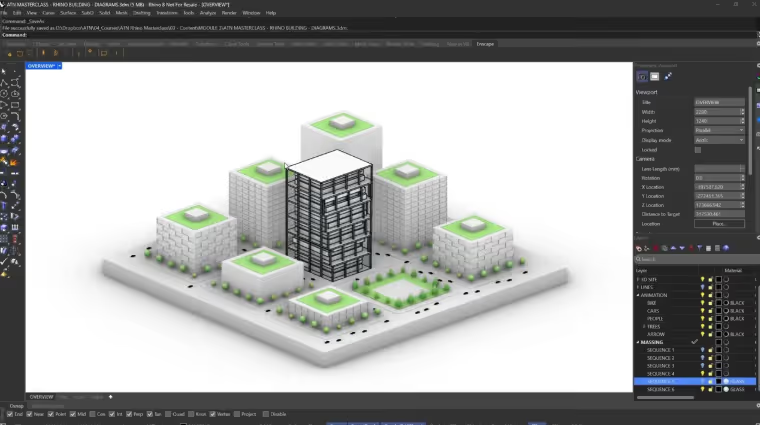
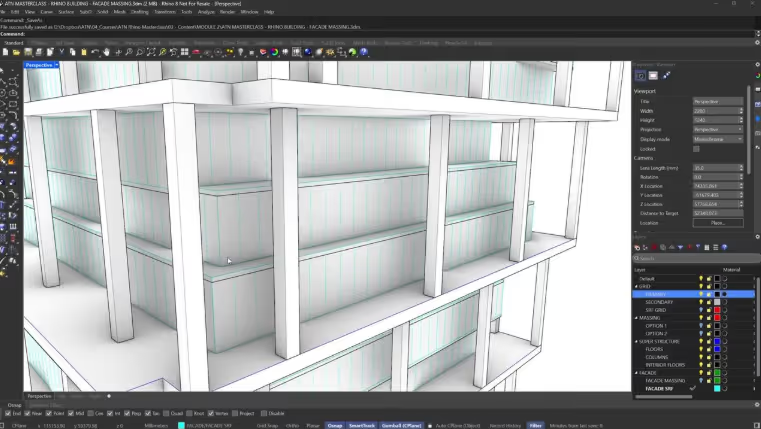
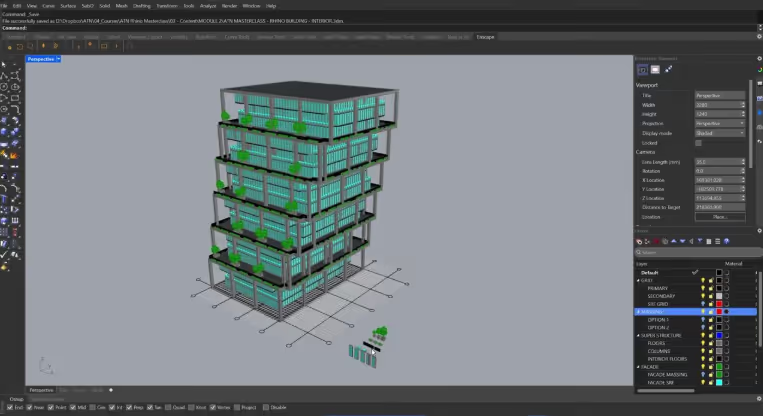
In this module, you will develop further knowledge, progressing from initial massing through to structure, facade, and material application.
%20(1).avif)
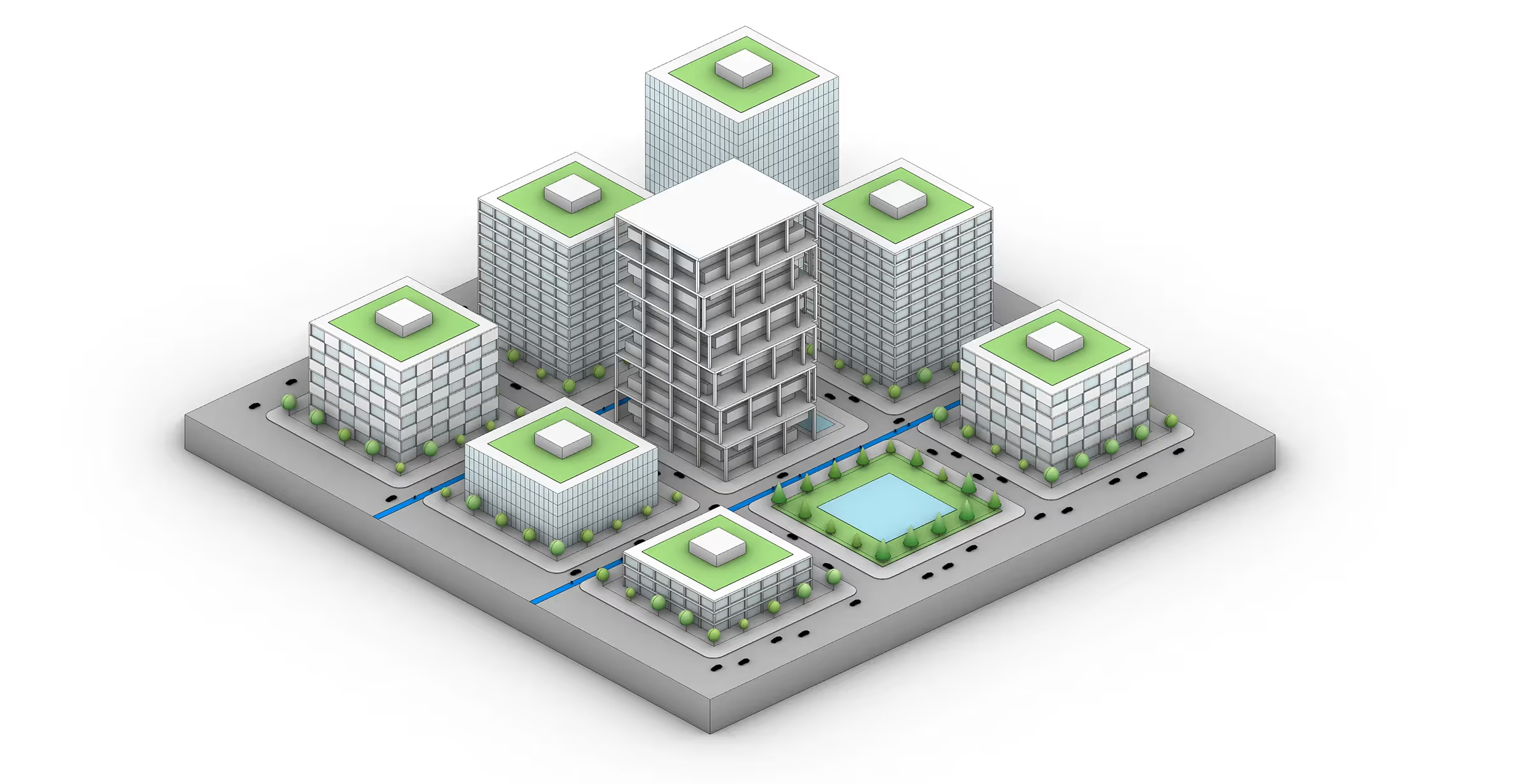
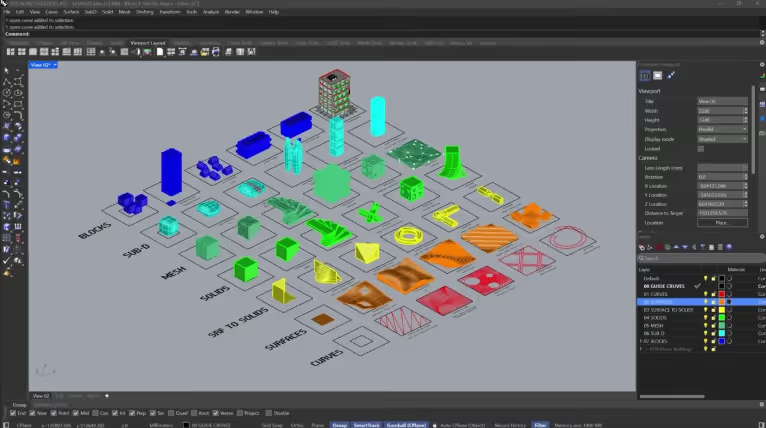
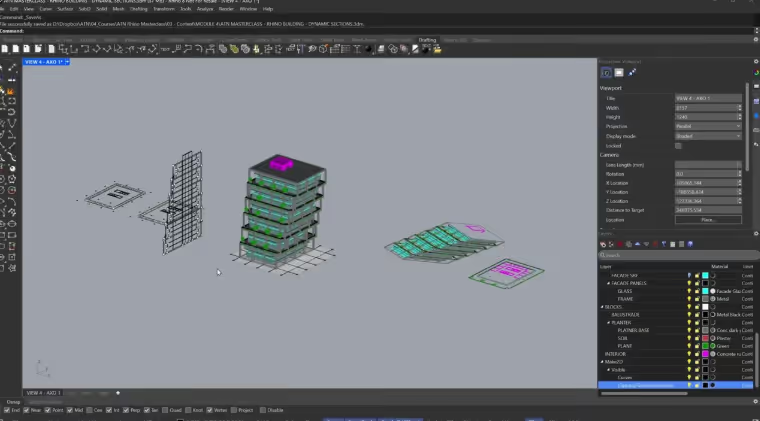
In this module, you will learn how to translate your model into clear diagrams and export images for presentation.
%20(1).avif)
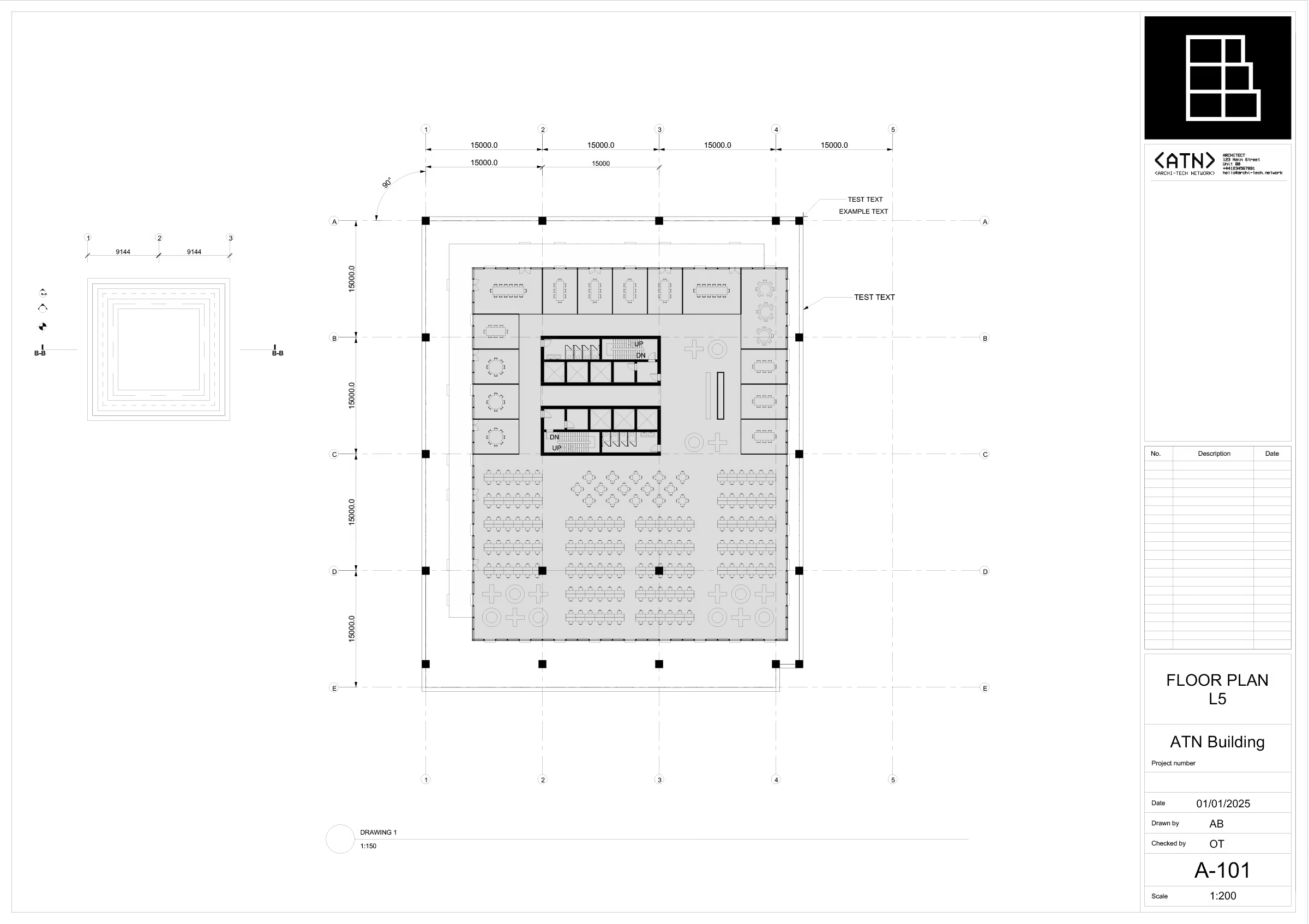
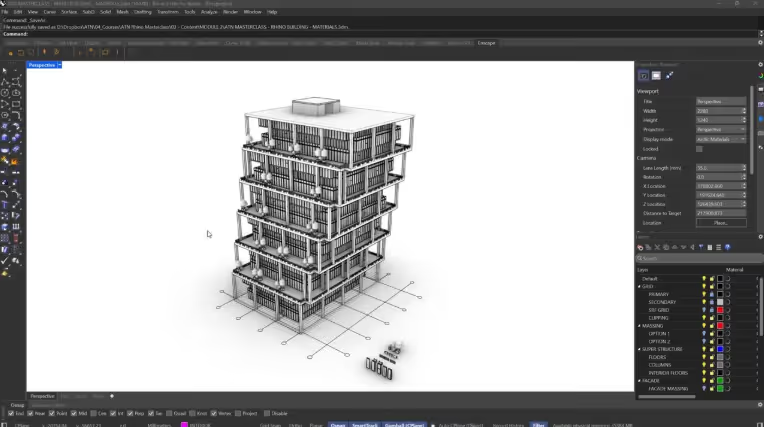
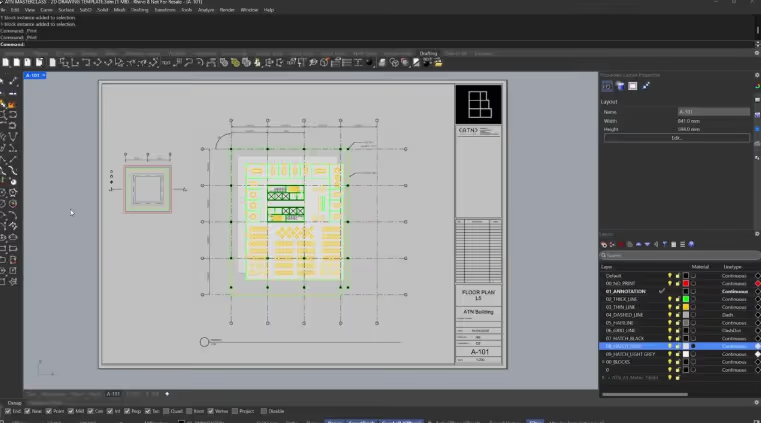
In the final module, you will learn how to translate your model into technical drawings, create layouts, and export professional documentation.