ATN WORKSHOP
.svg)
.svg)

00:00
/
00:00

Learn more
Explore cutting-edge workflows combining digital sketching and AI to develop and communicate architectural ideas with clarity and control.

Supporting Tools
Visoid
.avif)
Supporting Tools
Gemini

Ai Tool Taught
Nano Banana

Supporting Tools
Photoshop

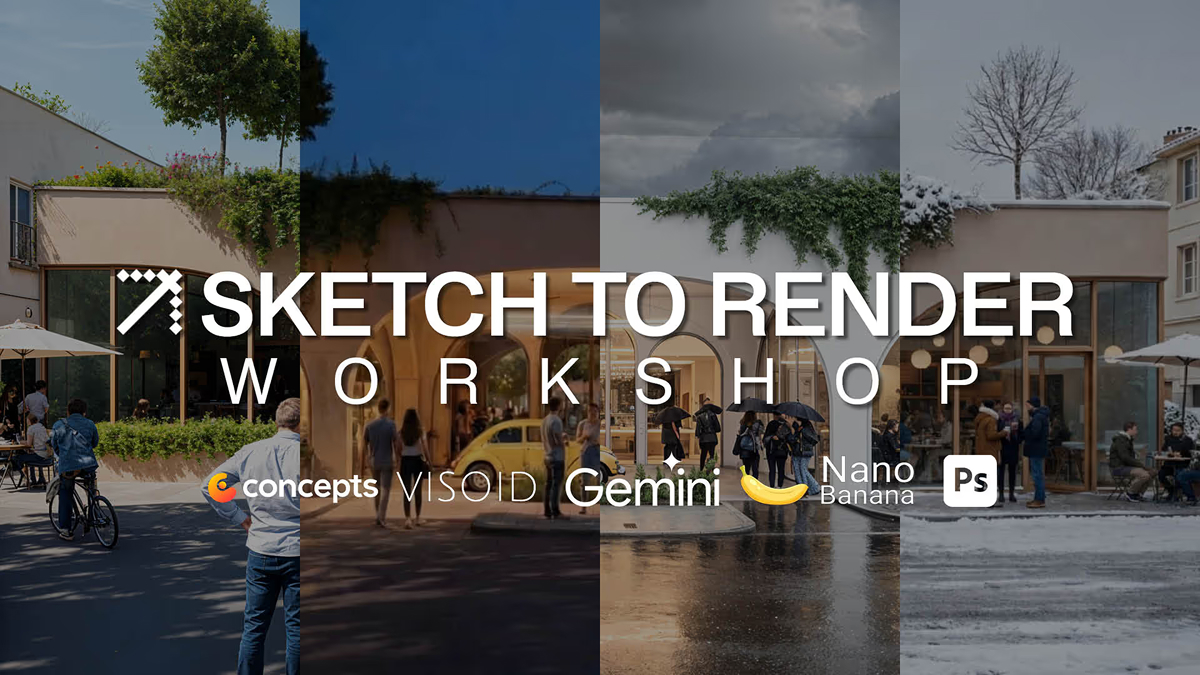

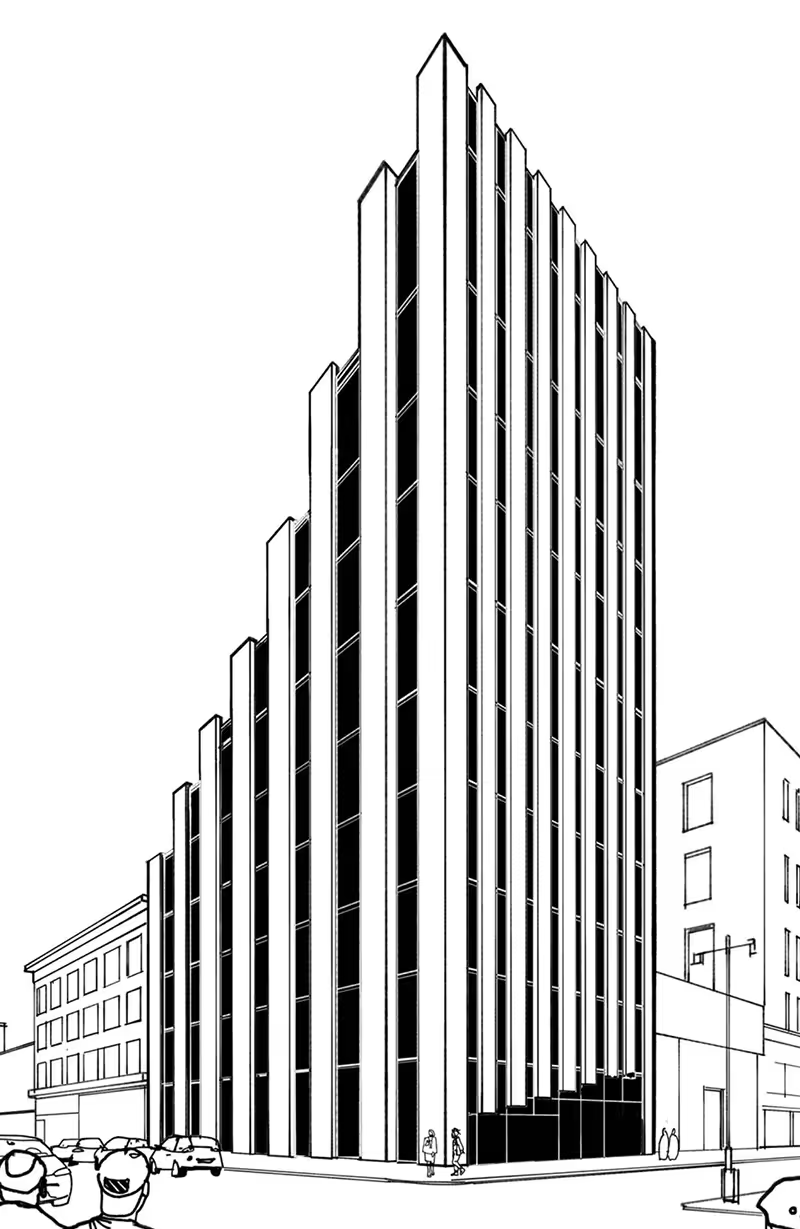
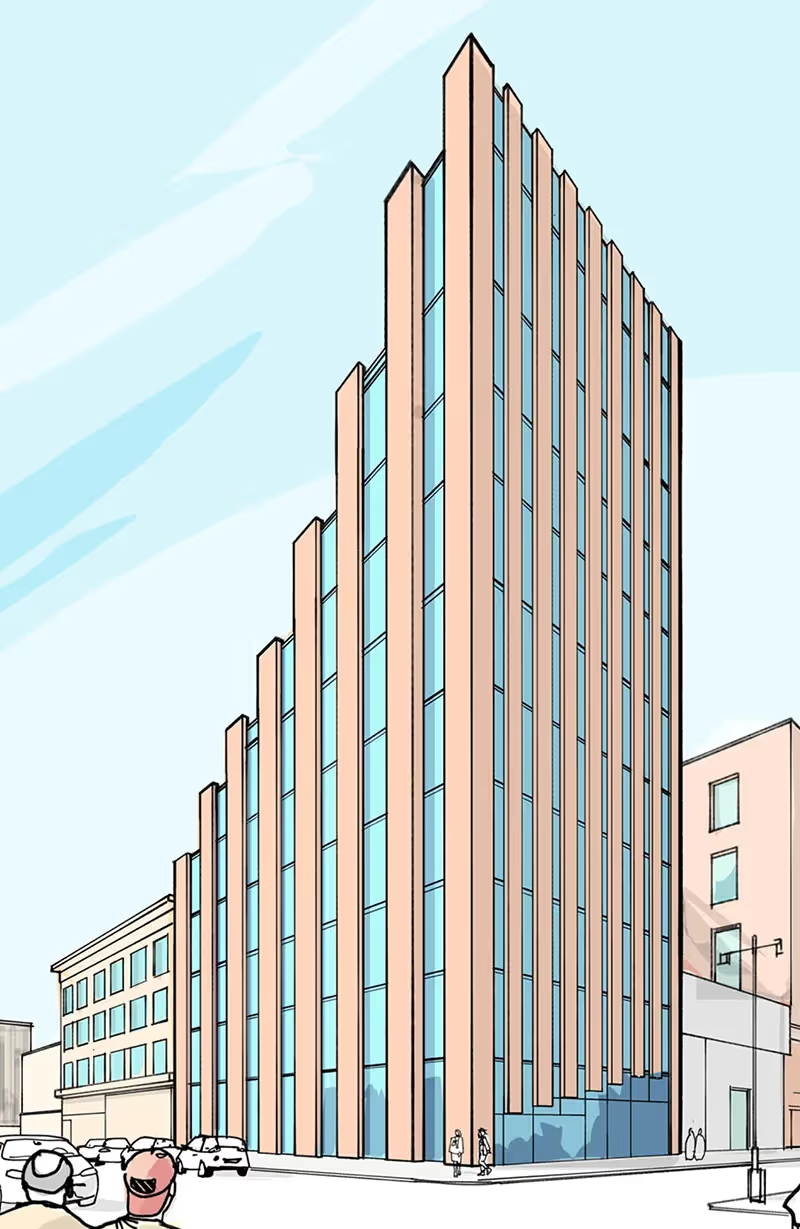
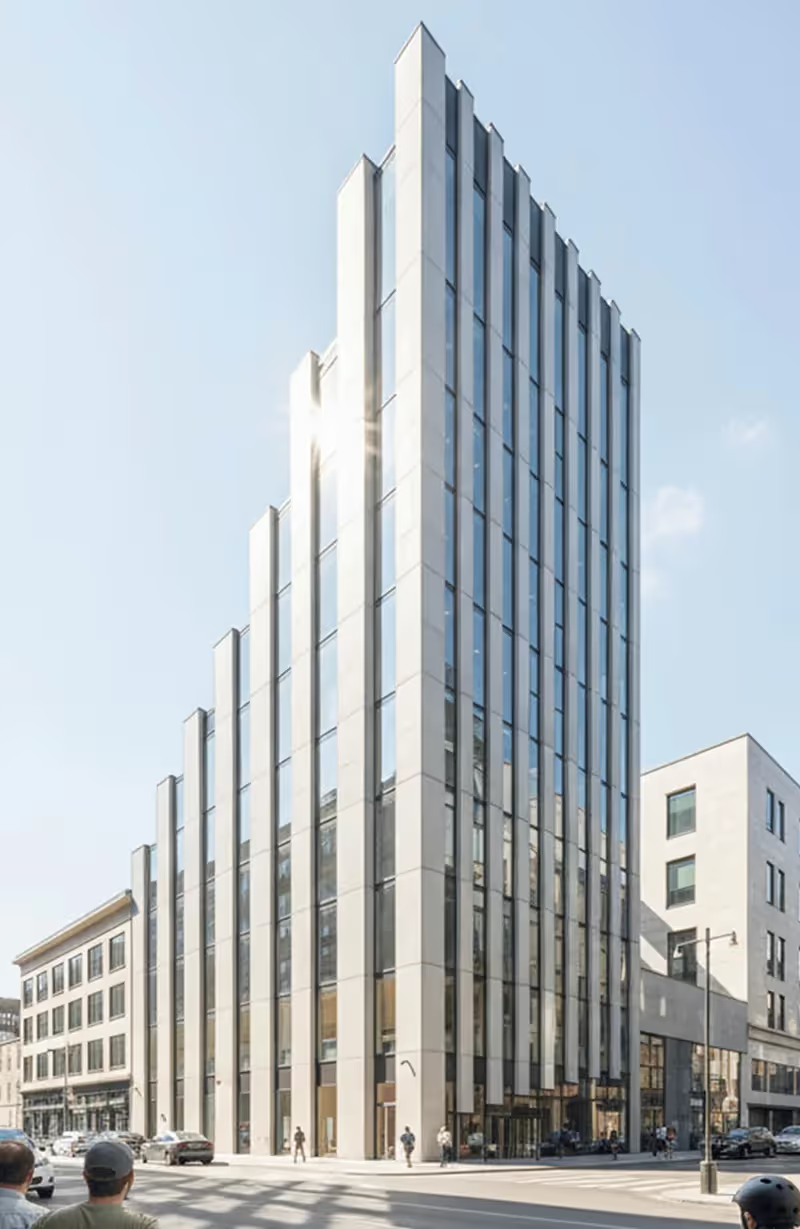
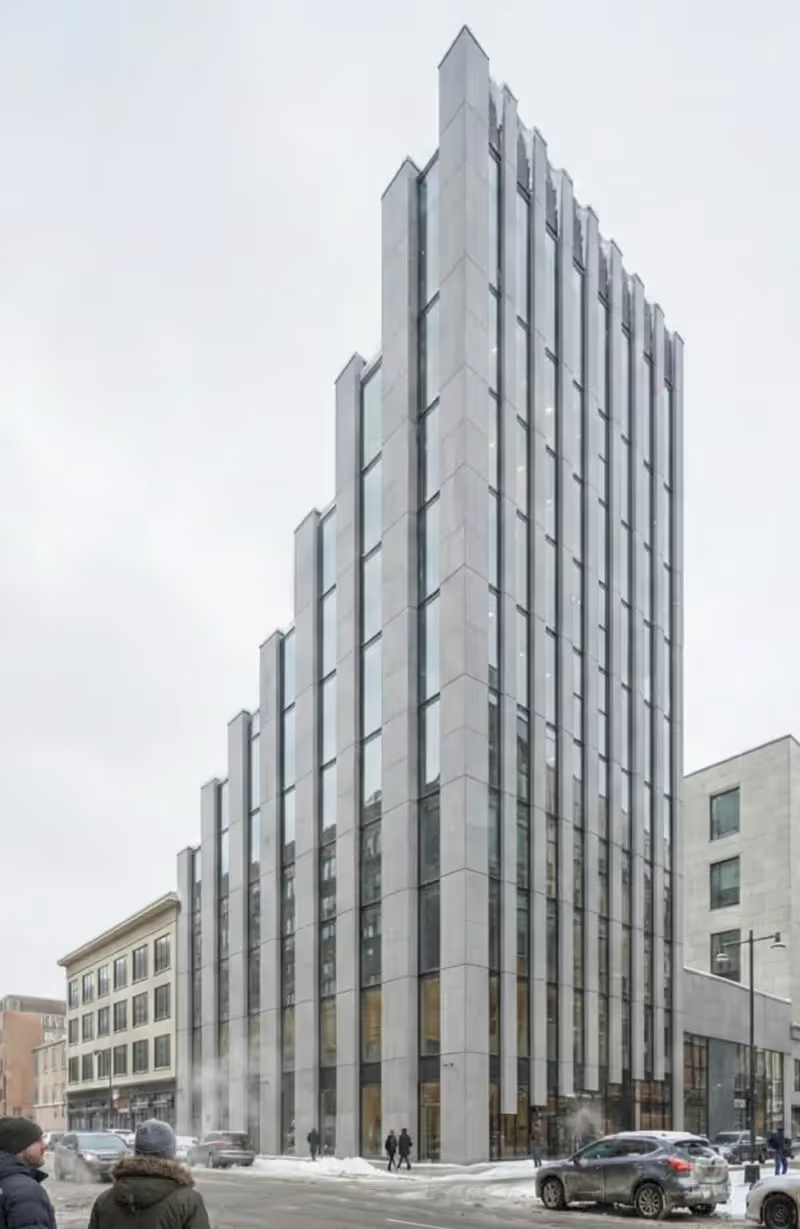
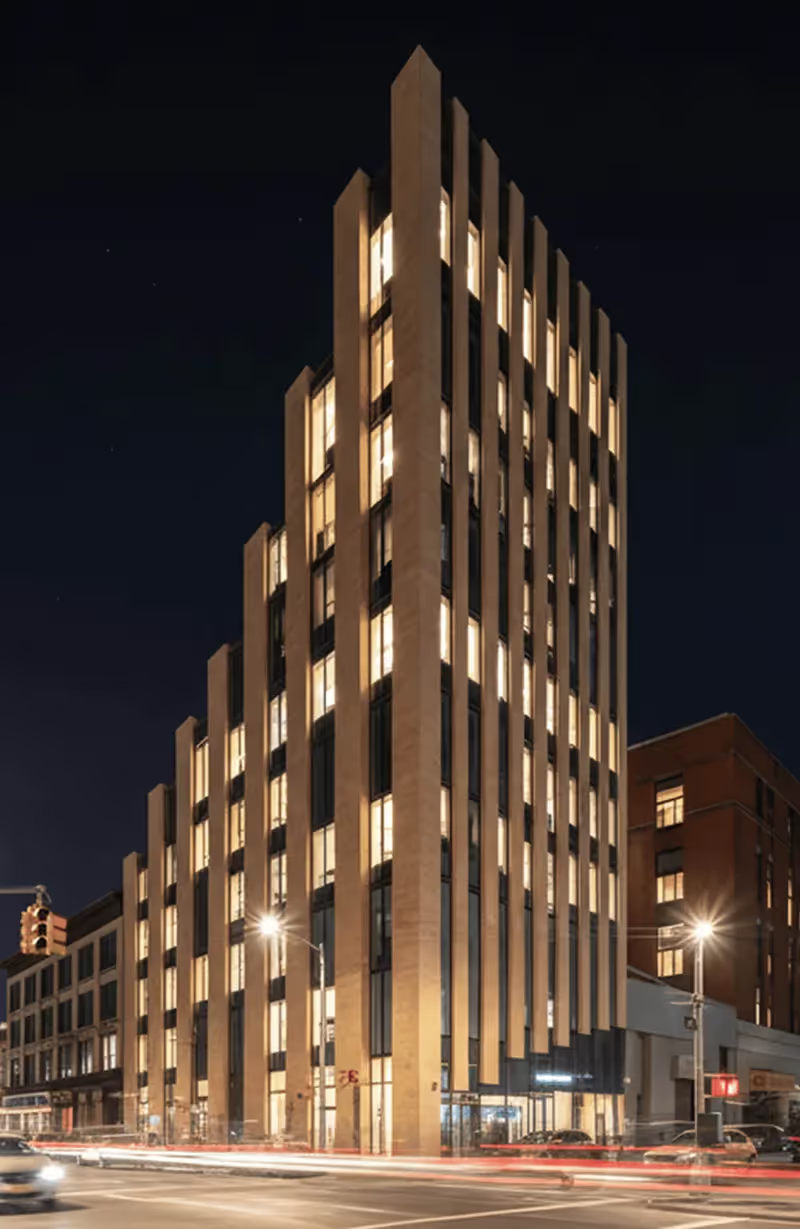
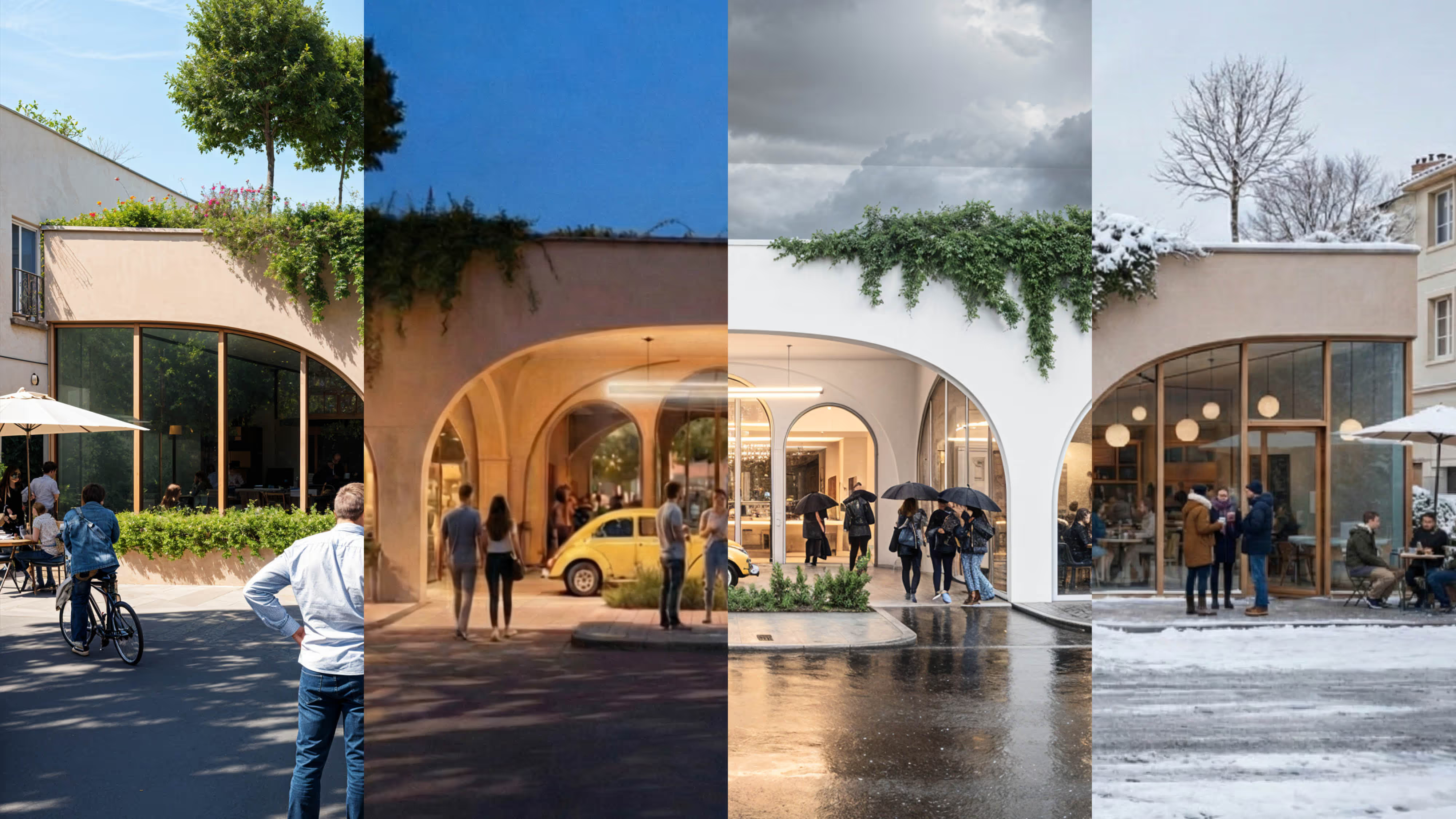
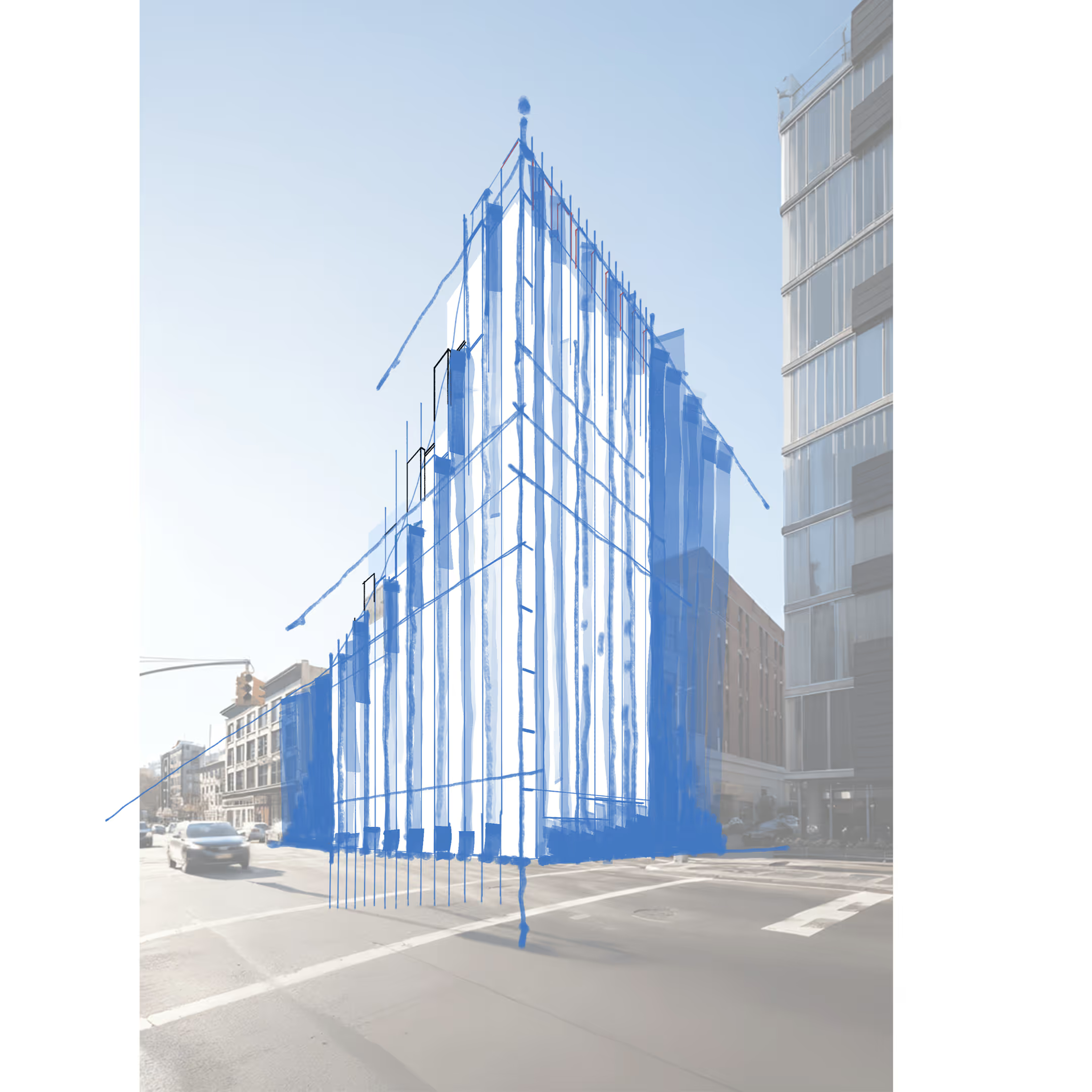
The ATN Sketch to Render Workshop is a hands-on session for architects and designers looking to combine digital sketching and generative AI to develop, test, and communicate ideas more effectively. Led by Radu Axinte, the workshop introduces a clear workflow that moves from structured digital sketches through to high-quality rendered visuals and animations using AI tools.
Participants work from a shared base file, progressing through guided exercises based on real architectural design scenarios. Rather than treating AI as a black box, the workshop focuses on how and when to use AI within the design process, helping participants understand how platforms interpret sketches, why outputs vary, and how to guide results through references, prompts, and graphic control.
This workshop is not about replacing sketching or intuition. It focuses on using AI as a visual collaborator to explore ideas faster, iterate with confidence, and communicate concepts more clearly while maintaining authorship and design intent.
Designed for architects and designers with beginner to intermediate AI knowledge, the workshop prioritises a tool-agnostic workflow over platform-specific techniques, making it particularly valuable for early-stage design teams.
You will learn how to:
• Translate digital sketches into high-quality AI-generated visuals and animations
• Control outputs using prompts, references, and graphic techniques
• Use AI to accelerate early-stage design exploration and communication
100
Days
10
Hours
10
Mins
10
Secs

off

Day 1:
January 31st, 2026
3:00 pm
-
7:00 pm
Day 2:
February 1st, 2026
3:00 pm
-
7:00 pm
Day 3:
February 1st, 2026
-

Online Via Zoom

A live workshop you attend in real time. After it ends, you get the full Workshop Replay version with lifetime access inside the ATN Netflix-style learning platform.
A professionally packaged version of the original live workshop—edited and structured for on-demand learning. Watch anytime with lifetime access inside the ATN Netflix-style learning platform.


All live sessions are supported by on-demand video content.


All live sessions are supported by on-demand video content, allowing participants to revisit lessons and workflows after enrolment.

%20(1).avif)
.avif)
Senior Designer
Radu is an architect and accomplished digital sketch artist specialising in the integration of freehand drawing, digital workflows, and AI-assisted visualisation.
Renowned for his clear and engaging teaching style, Radu helps designers simplify technical tools while strengthening their sketching and communication skills. His approach prioritises clarity, authorship, and control, ensuring AI enhances design thinking rather than obscures it.
Radu has delivered workshops and training for leading architecture and engineering practices and academic institutions in London, including RIBA Incubator, University of Westminster, Buro Happold, Arup, and Heatherwick Studio.


.avif)
.avif)

.avif)
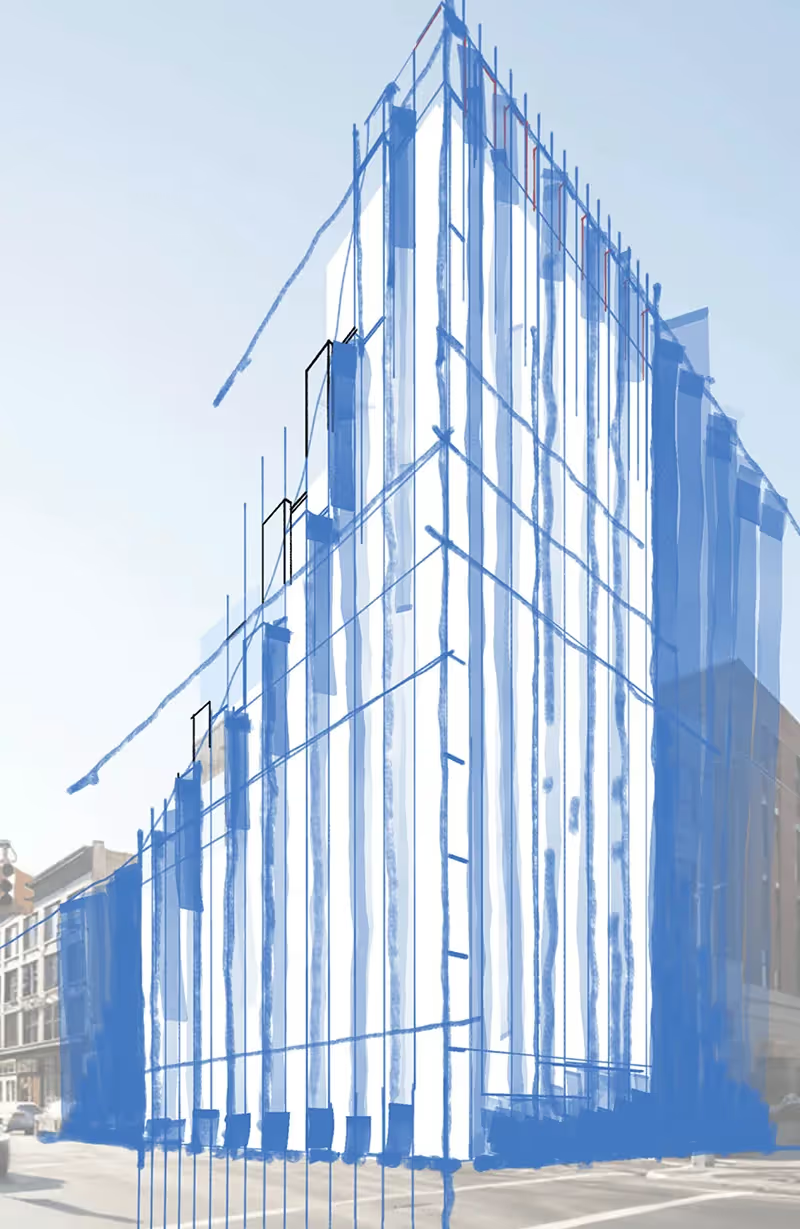
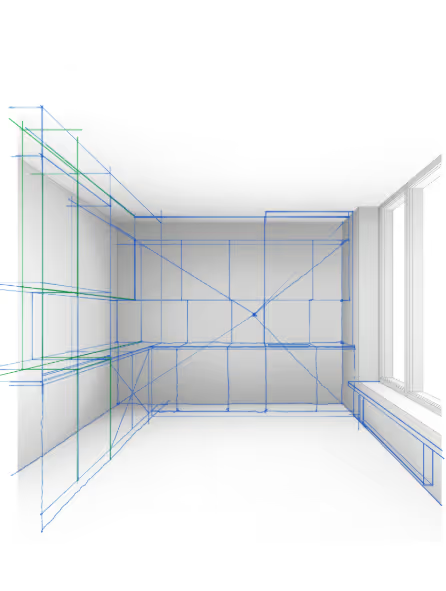
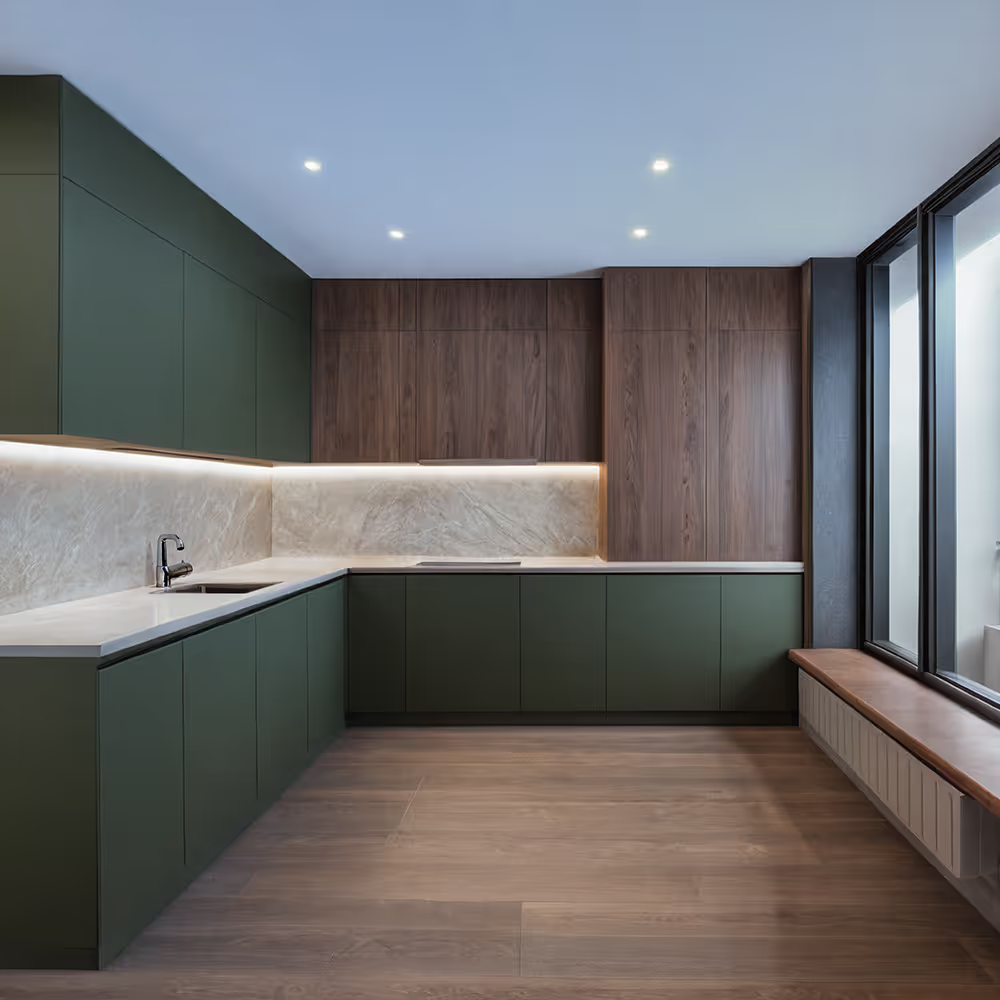
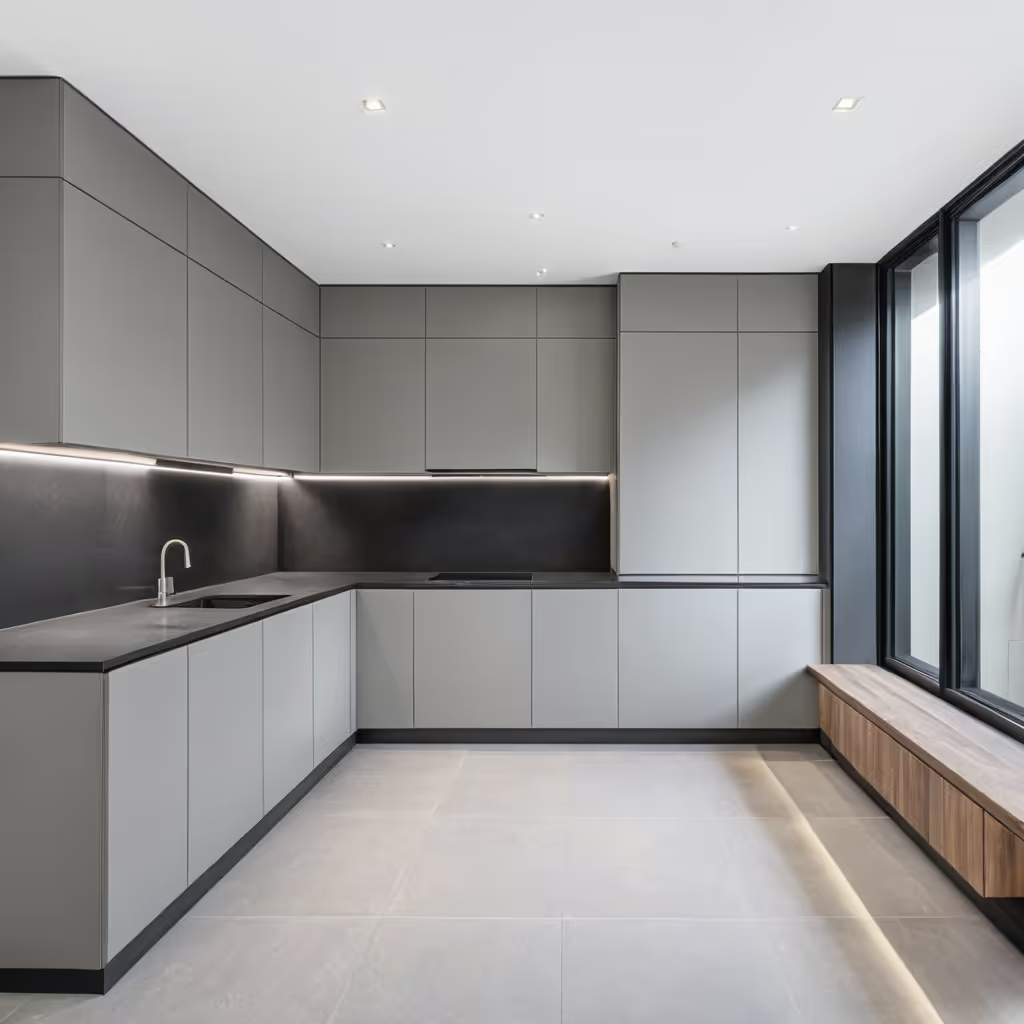
On the first day, you will establish the core workflow, covering digital sketching fundamentals and key AI principles.
In day 2, you will apply the workflow to develop and refine visual outputs using AI tools.